Saturday, a quarter to eight. The match starts at eight and there is a queue at the entrance. A supporter quickly wants two seats next to each other. A company comes to collect four hospitality packages and wants an invoice for them. Someone pays with a fifty euro note. And behind the box office is a volunteer who uses the system only once a month.
Selling online is the norm today, but the box office at the entrance is still needed. For those who decide at the last minute, for those who don't use a smartphone and for companies that want everything neatly on an invoice. How to keep that queue short.
1. One stock with the online sale
The biggest annoyance at a box office is a seat you sell while it has just gone online. In Clubwise the box office and the Ticket App sell from the same stock. When the box office chooses a seat, it holds it for a while and nobody else can buy it, not even online. With "Next customer" you empty the box office and seats that were still being held are released right away.
2. Made for volunteers
At the entrance you don't have time to search through menus. The box office works on a laptop or tablet, with large buttons and no menu. From the back office you open it without signing in again. Anyone who wants to can secure access with two-step verification. On a shared box office you'd better not remember the device, so the next shift signs in themselves.
3. Choosing the way the supporter knows it
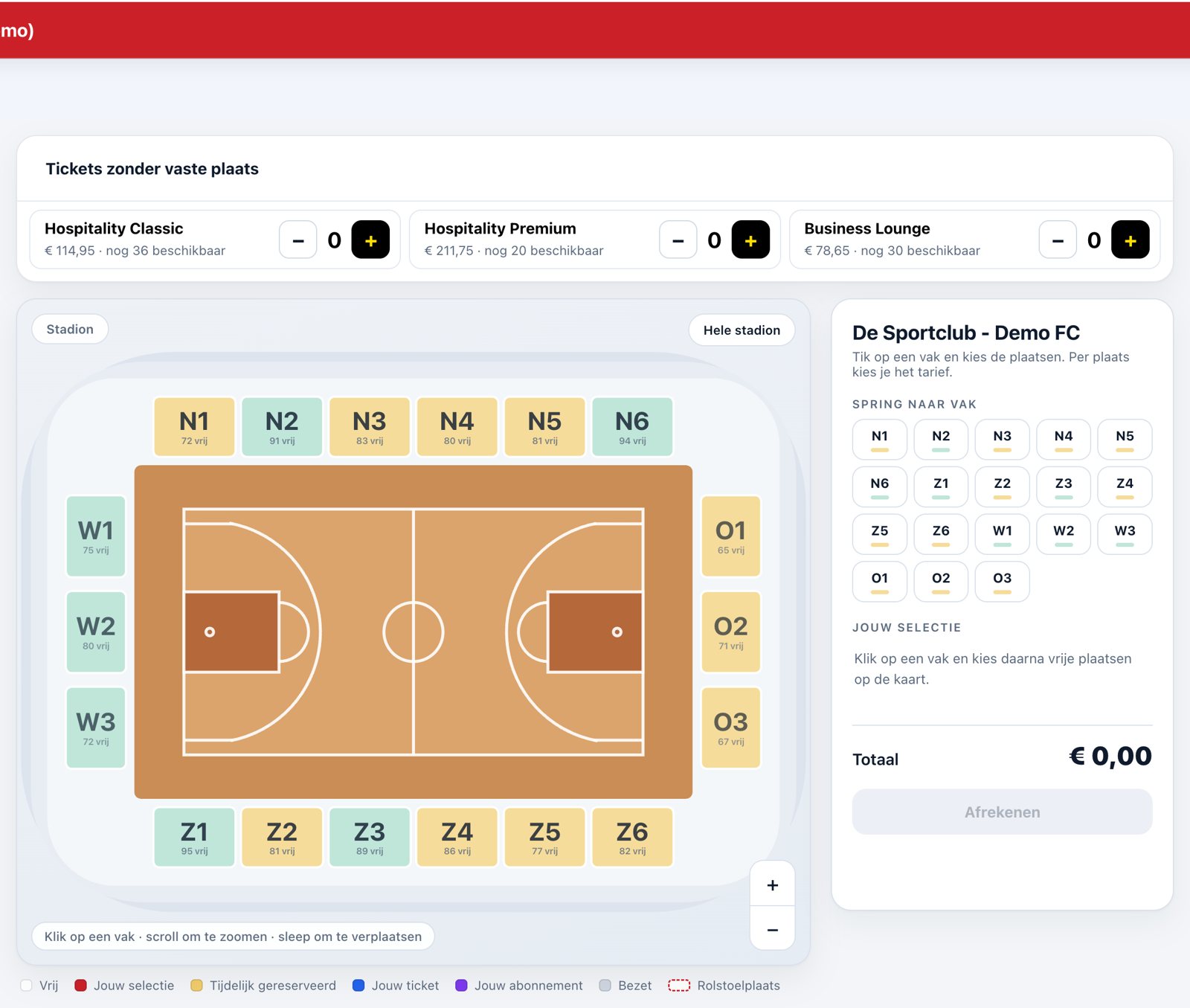
You choose seats on the same seat map as in the app: first the stadium or the venue, then the section, then the seat. Per seat you choose the price category, for example adult or youth. Tickets without a fixed seat, such as hospitality, are shown as tiles with a plus and a minus. That way you sell a dinner and two seats in one go.
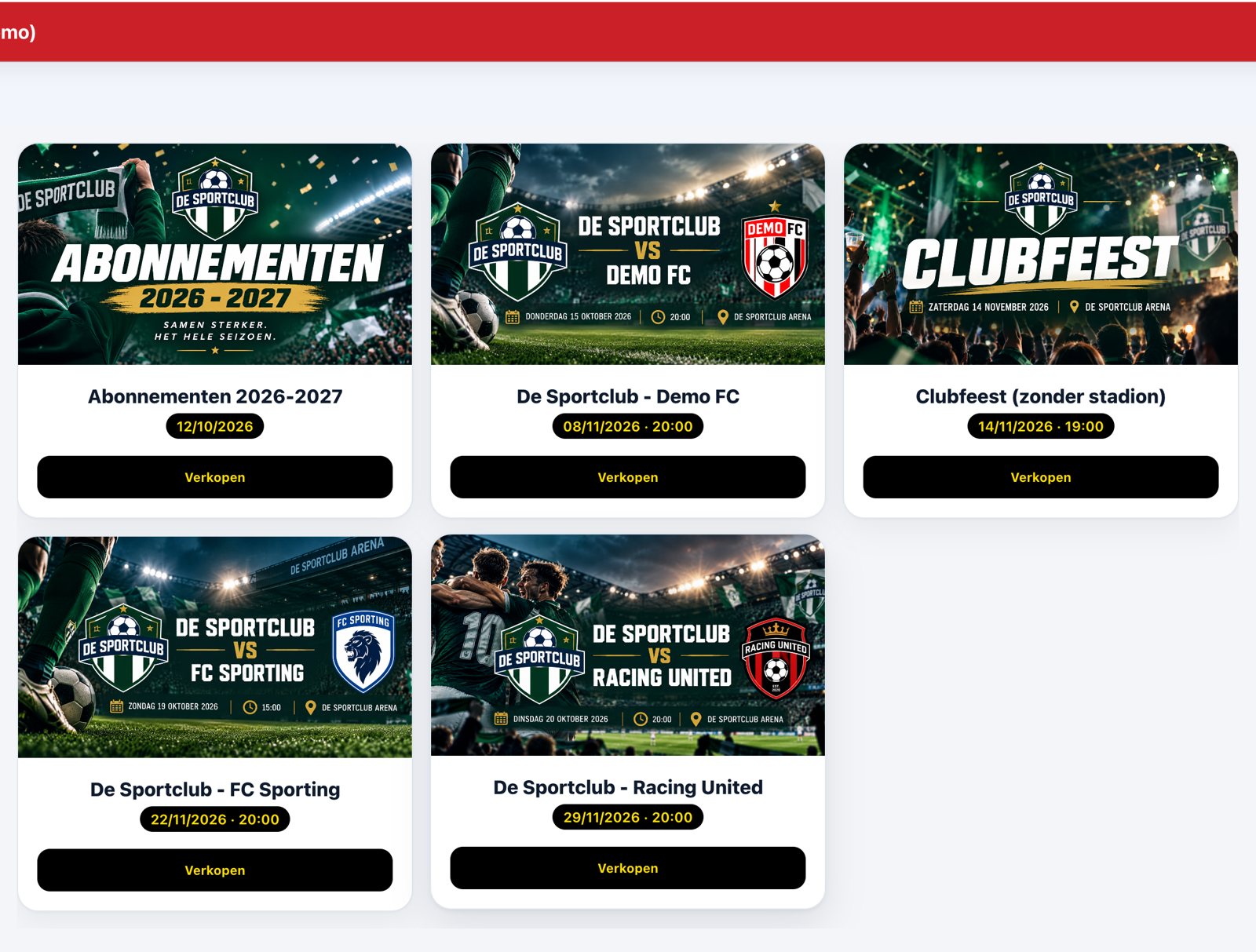
Also season tickets are sold at the same box office, for example for those who prefer to come by in person at the start of the season.
4. Checking out the way the customer wants
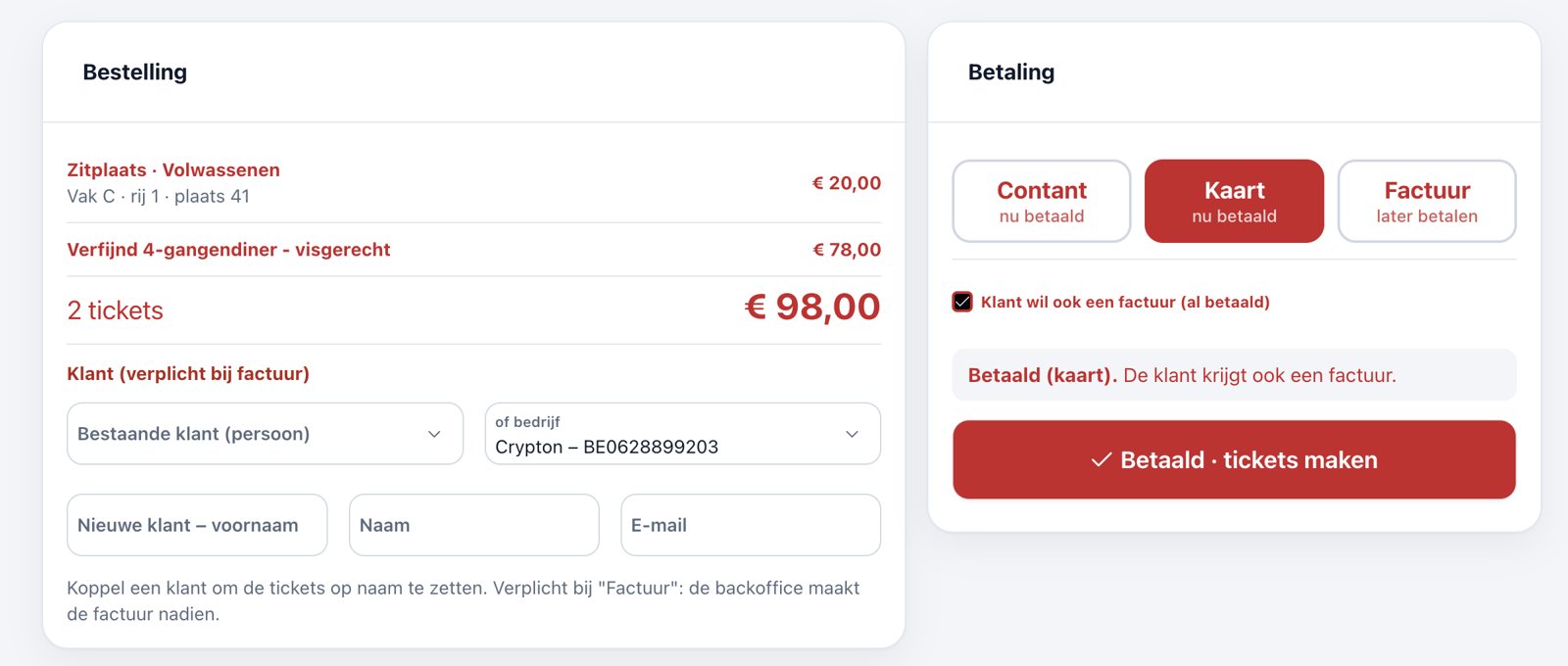
A box office must handle every payment without calculations:
- Cash: you immediately see what change to give, with quick buttons for the common banknotes.
- Card: the customer pays on your payment terminal and you confirm.
- Invoice afterwards: for those who don't pay right away. The back office creates the invoice later.
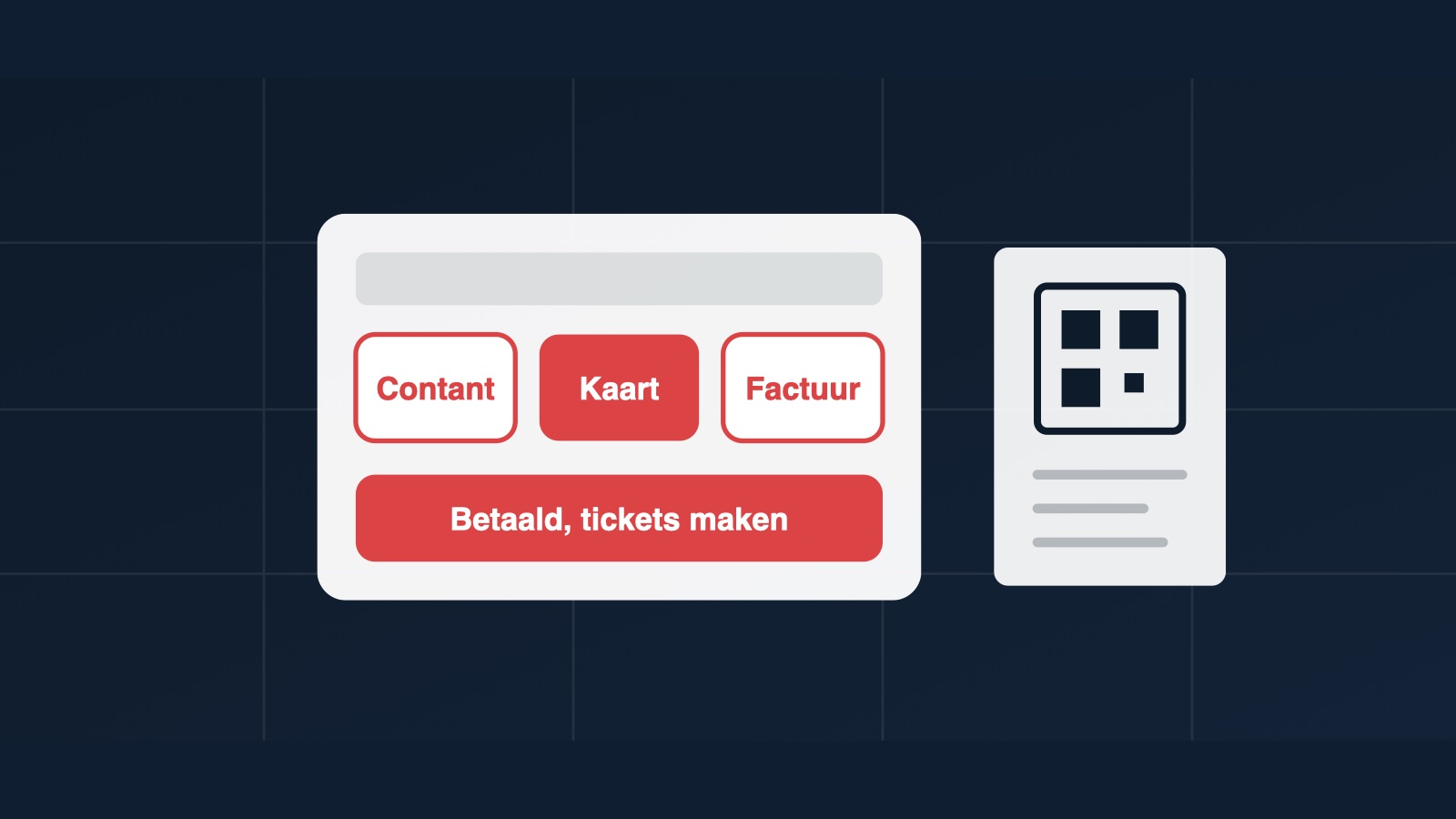
If a customer who pays in cash or by card still wants an invoice, you tick that. Clubwise creates the invoice right away, already as paid, in the name of the person or the company. You create a new customer at the box office with name and e-mail, or you simply sell without a name. A short line below the buttons always says what is going to happen, so even a new volunteer knows where they stand.
5. The ticket in hand right away
After payment you print the tickets with their QR code, on a regular sheet or on an 80 mm receipt printer. At the entrance you scan them just like a ticket from the app. A ticket that has already been scanned doesn't get in a second time.
Checklist for match day: set up the box office a quarter of an hour in advance and test one sale. Put the receipt printer next to the box office, not in the canteen. Agree who follows up invoice requests. And let your volunteers practise once at a quiet moment, not ten minutes before kick-off.
Finally
A good box office at the entrance goes unnoticed. The queue moves on, nobody sits in the same seat and the accounts add up afterwards. That works best when box office, app and invoicing come from the same system.
Ready for a smooth match day?
Discover in a free demo how the box office, the Ticket App and the invoicing of Clubwise work together.
Request a free demo →