
There is a queue at the entrance of your event. Someone is looking for their paper ticket in their coat. Another has a screenshot of an e-mail, but is that a valid ticket, or one they shared with three friends? Your volunteer at the door ticks off names on a printed list and hopes nobody gets in twice.
Sound familiar? Then you're leaving money and overview on the table. Switching to digital tickets with QR codes doesn't solve one problem, but five at once. We list them.
1. No double entries and no fraud
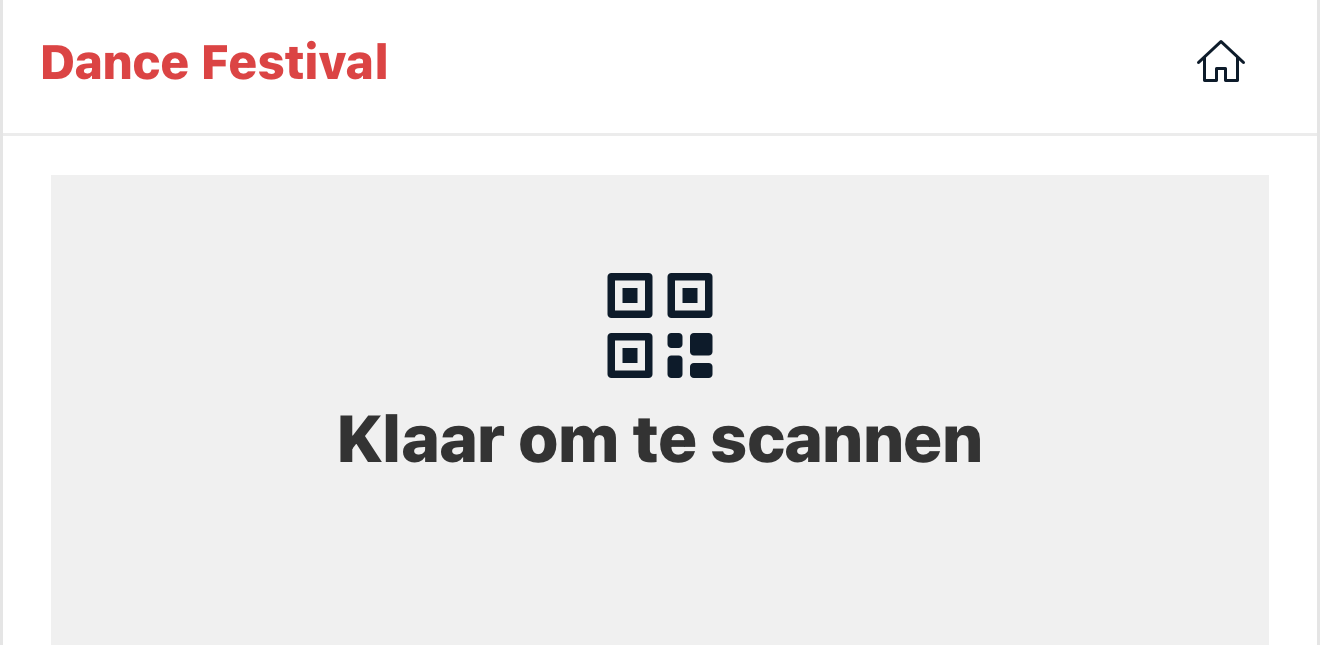
Every digital ticket gets a unique QR code. When scanning at the entrance, the system immediately shows: valid, invalid or "already scanned". If the same code is presented a second time, you see it right away. Forwarded screenshots and copied tickets no longer get in without you noticing.

Practical example: for the Croky Cup match between K. Lyra-Lierse and Standard de Liège, all ticketing ran through Clubwise: 1,200 digital tickets, zero double entries or fraud. Antoine Roex (Standard de Liège): "No queues, no problems. Just smooth and professional."
2. Less chaos at the entrance
Scanning goes faster than ticking off names. Reading a QR code takes a second and leaves no room for discussion: the screen says green or red. Your volunteers no longer have to make decisions about doubtful cases, and the queue at the door melts away. That immediately makes it easier to work with a smaller team.
3. Real-time data and sales overview
With paper tickets you only know afterwards how many were sold and used. Digitally you know it at any moment: how many tickets sold, how many already scanned, which ticket types are doing well. If you work with a seating plan, you see the occupancy per section (Seated, Standing, VIP, Hospitality) at a glance. Handy for adjusting during the pre-sale.

4. More ticket types without extra work
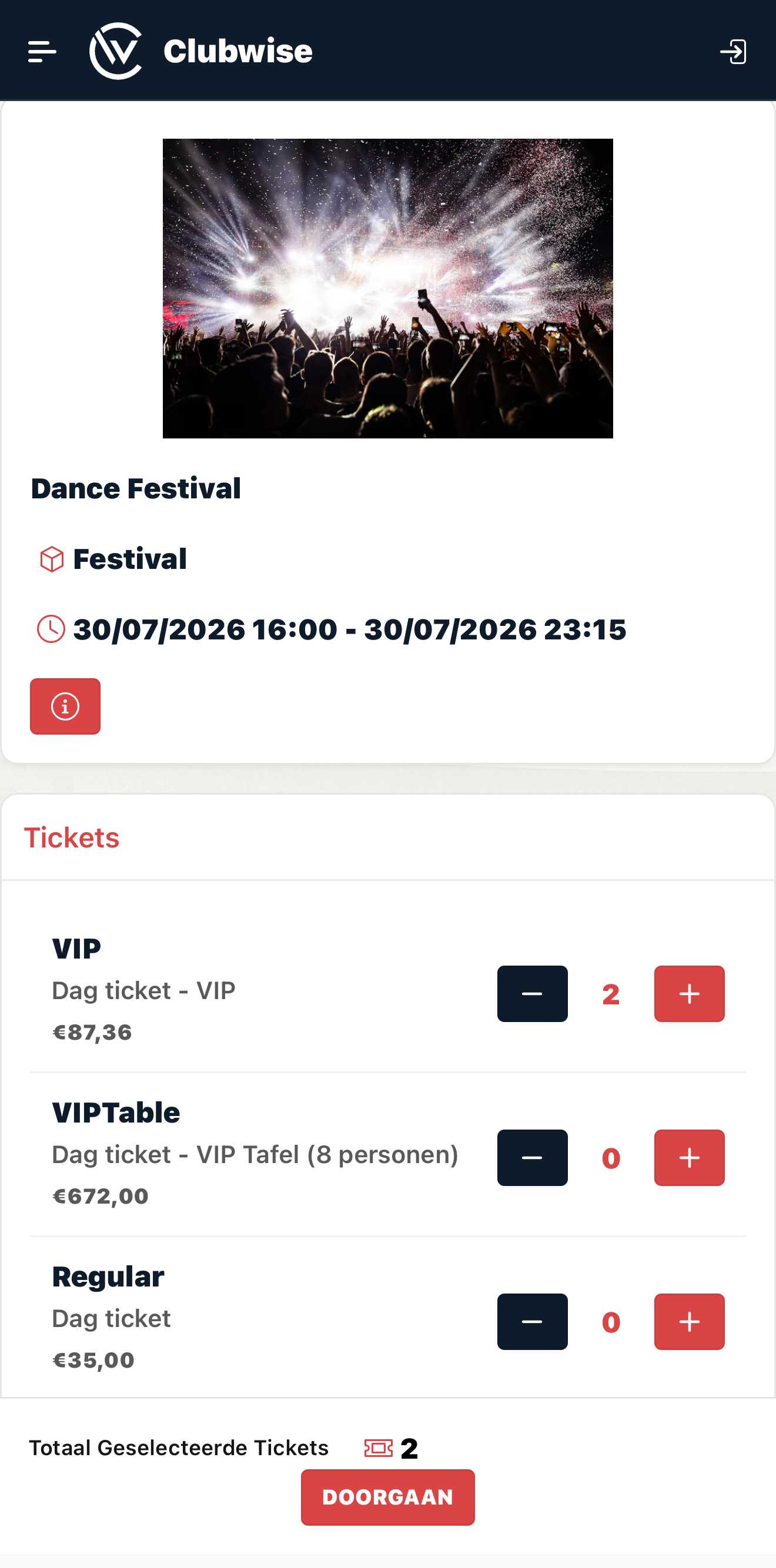
Early Bird, Standard, VIP, Hospitality: each with its own price, availability and validity. Digitally you manage them side by side without separate lists or loose arrangements. Does the Early Bird expire? Then the category closes automatically. You don't have to keep track of anything manually.
5. Payment and invoice in one smooth flow
Visitors pay online via Mollie (Bancontact, iDEAL, Visa, Mastercard, Apple Pay) and automatically receive their ticket and an invoice after payment. No cash at the door, no manual invoicing afterwards. Everything is GDPR compliant and PCI-DSS certified, so the sensitive payment data is in good hands too.
When is the switch worth it?
Not every small members' get-together needs QR scanning. But as soon as you work with paying visitors, several ticket types or a capacity limit, digital ticketing pays for itself, in time, in overview and in avoided fraud. And if you work with hospitality or VIP seats, verified access is almost a necessity.
Ready to go digital with ticketing for your next event?
Discover in a free demo how the Clubwise ticketing module works, from QR scanning to Mollie payment.
Request a free demo →