
Manual / Events & ticketing / Registering a sale
Part 5 of 9, Events and ticketing
Registering a sale
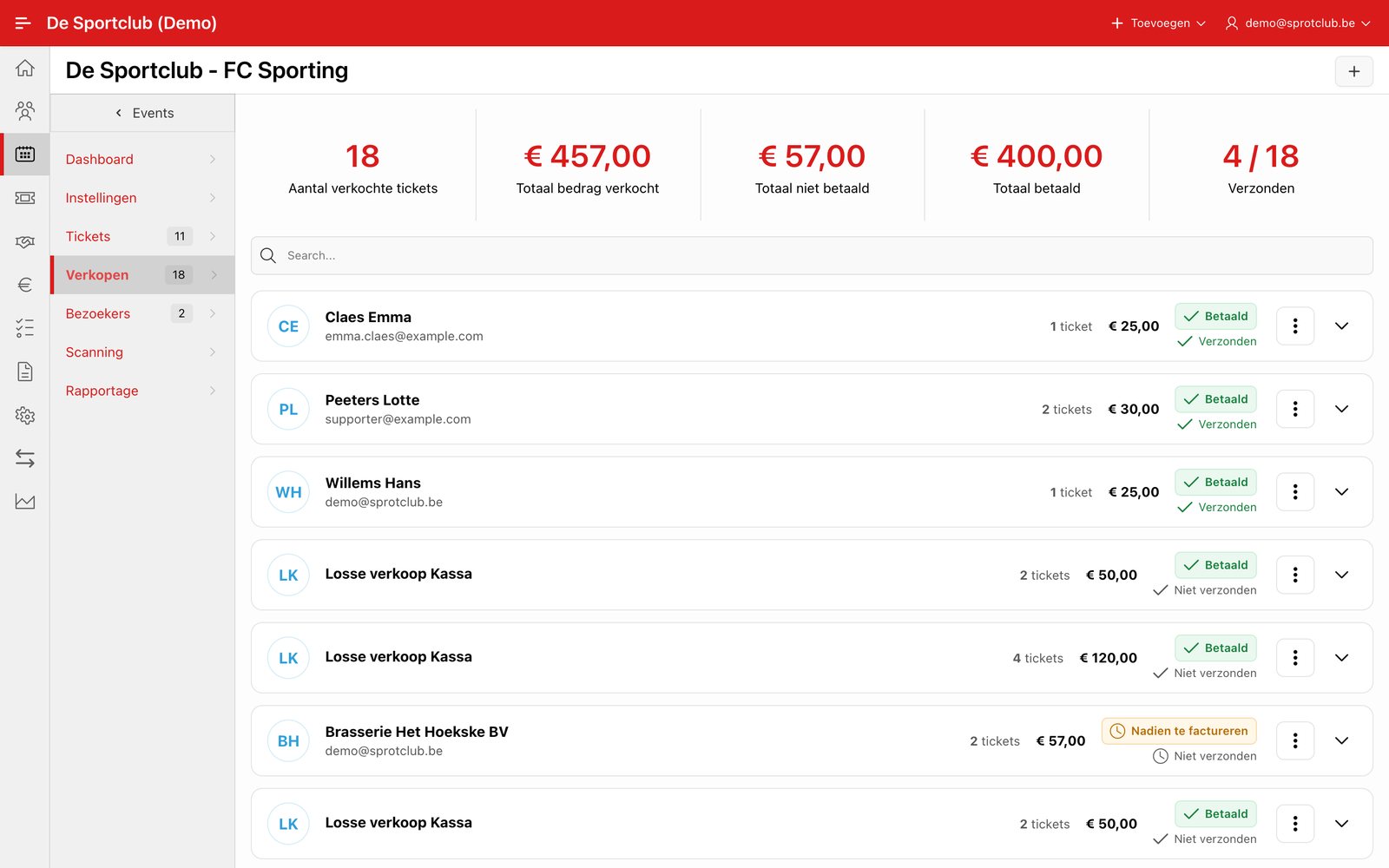
Go to the event, tab Sales, and click + to create a sale. Look up the buyer, choose the ticket type and the quantity, and set the Payment status for every line (e.g. Paid). This field is required as soon as the quantity is above 0.
The price is stored in the sale including VAT, at the VAT rate of the ticket type.
Note: If you forget to fill in the payment status for a ticket type with a quantity above 0, the form shows the raw error message “ORA-20001: Kies een betaalstatus voor elk tickettype met een aantal groter dan 0.” Fill in the payment status for every line before you save.
Changing a sale
Open a ticket in the list Sales. On Ticket Detail the buyer is shown at the top. With the menu ⋮ and Edit you change the sale, for example the payment status to Invoice afterwards. With Add tickets you add tickets to it.
Paid online or at the Box office: such a sale cannot be changed. Edit and Add tickets are not shown, so payment, refund and invoice stay consistent. Correct a mistake with Refund, or create a new sale. A new sale for a buyer who already bought online appears as a separate sale in the list.
Did this answer your question?
Thanks for your feedback!