
Part 7 of 12, Contacts
Add document
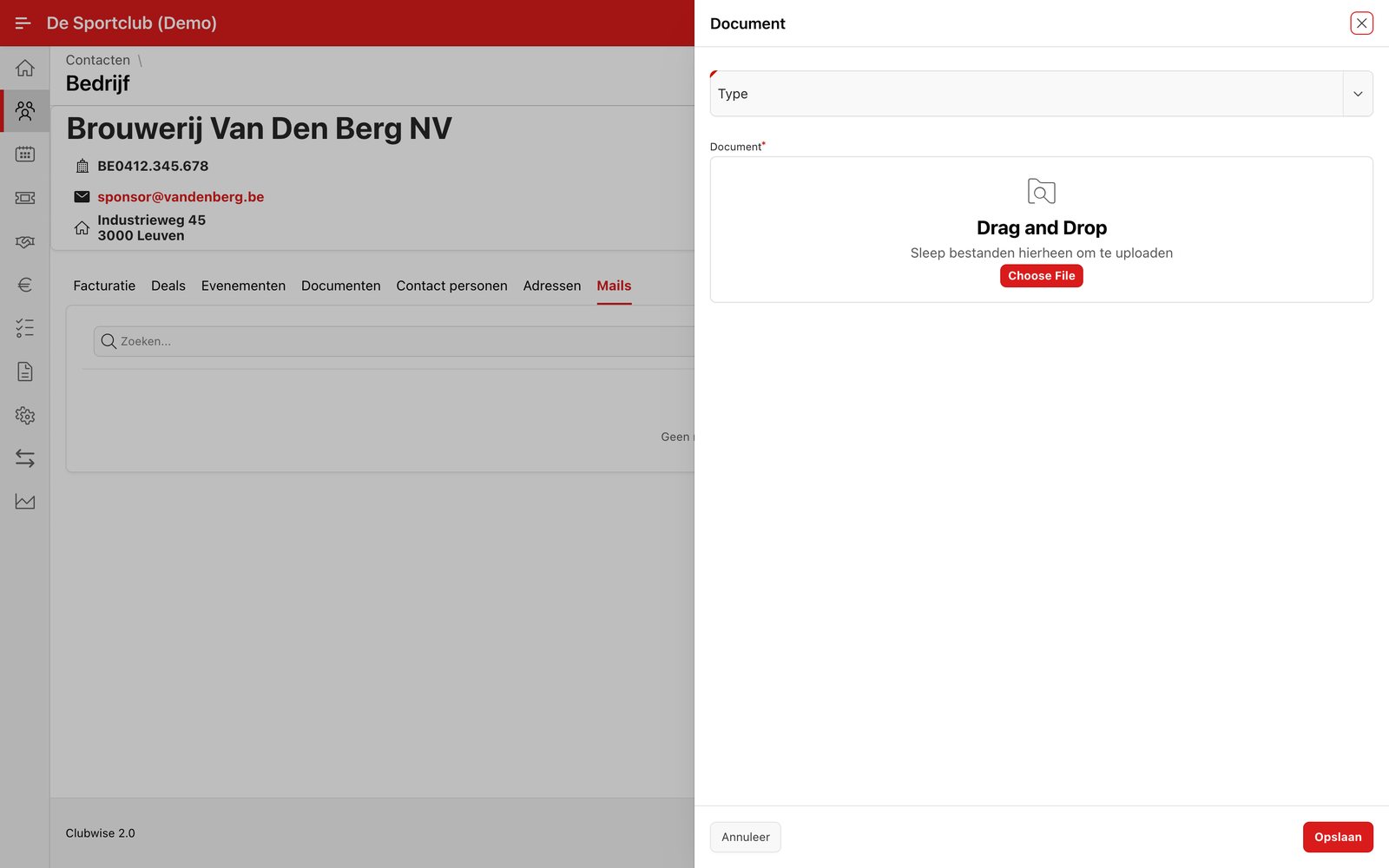
Choose “Add document” in the ⋮ menu, or go to the tab Documents. First choose the document type (e.g. Contract), then drag a file to the upload box or click “Choose File”.
Tip: Documents you add here can also be found centrally in the Documents module — see Finding documents centrally.
Did this answer your question?
Thanks for your feedback!