
Part 6 of 12, Contacts
Creating and editing a contact person
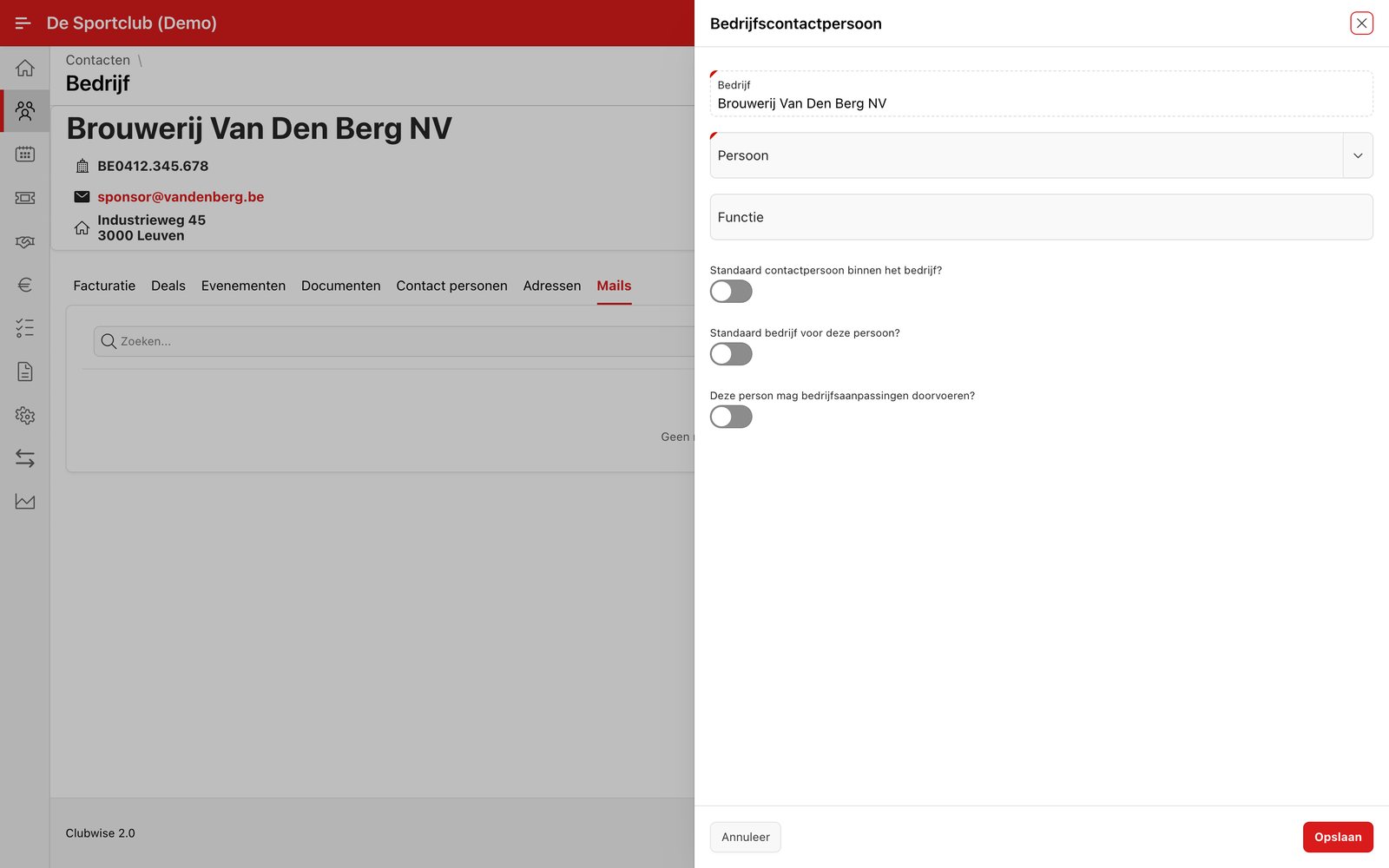
A contact person links an existing person (from the Persons tab) to a company, with a job title such as “Chair” or “Sponsorship manager”. Go to the tab Contact persons or choose “Add contact person” in the ⋮ menu.
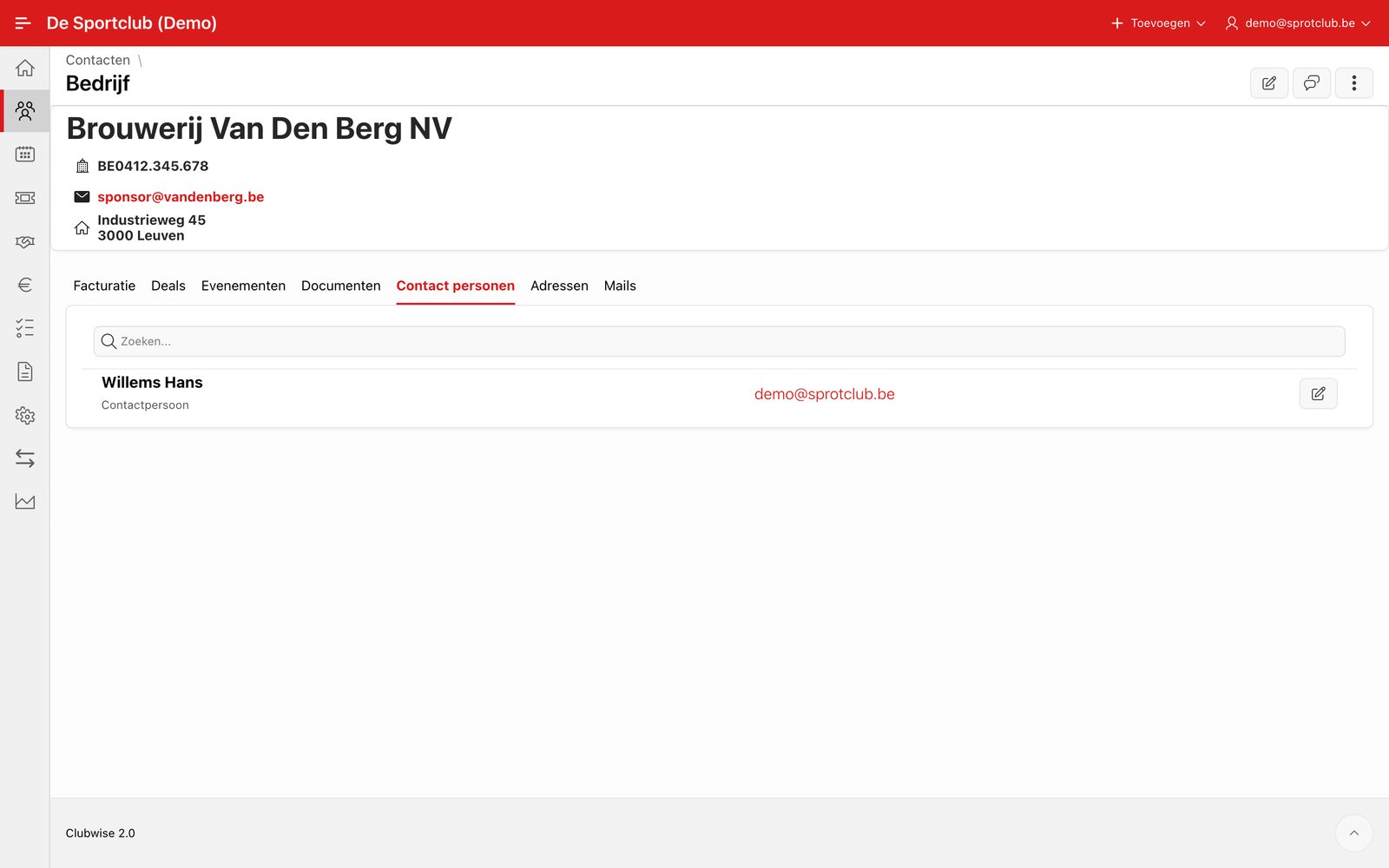
Once linked, the contact person appears in the list, with job title and e-mail address. Click the pencil icon next to a line to change the link or job title.
Did this answer your question?
Thanks for your feedback!