
Part 5 of 12, Contacts
Adding and viewing notes
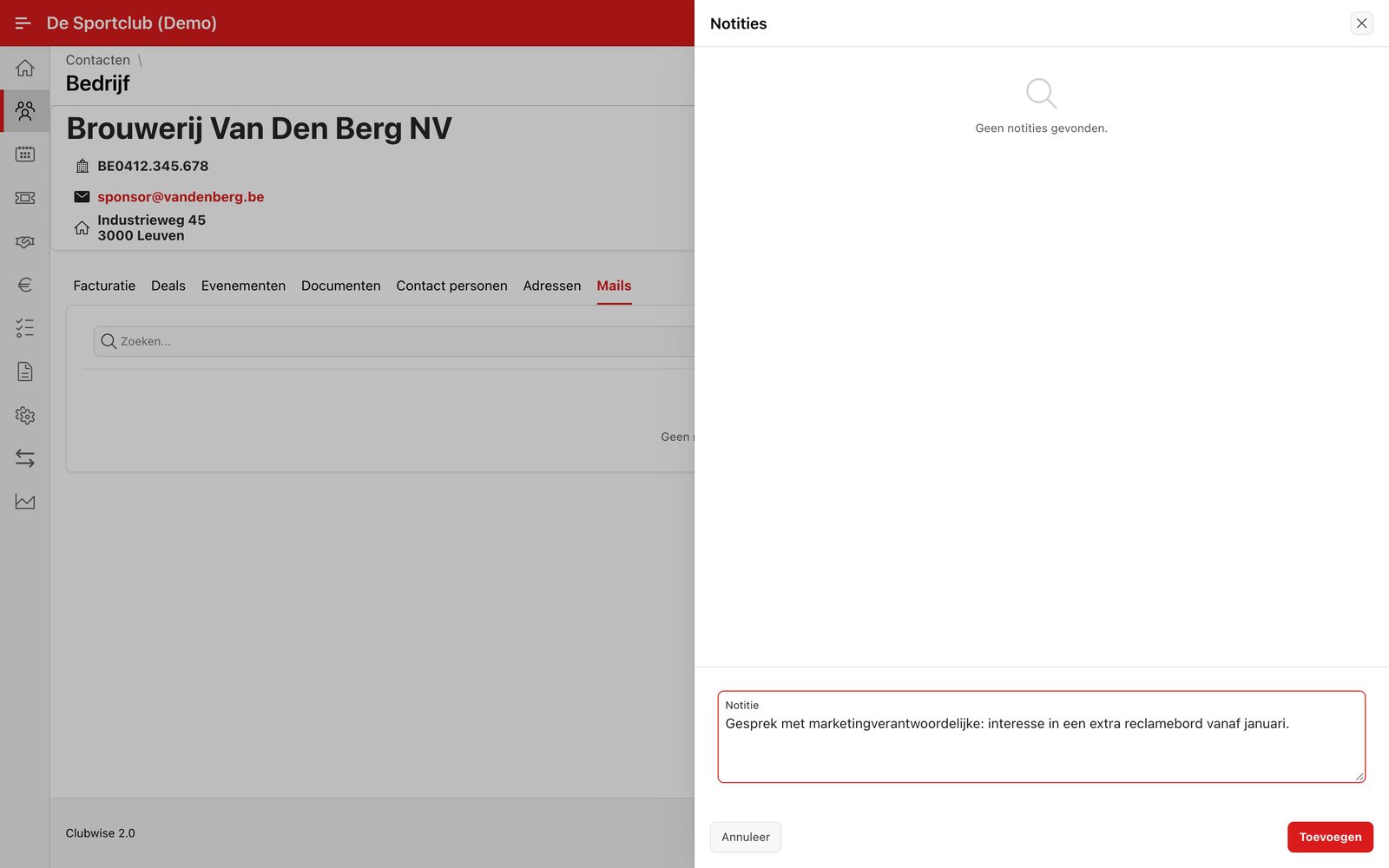
Through the note icon at the top right you open the note overview of this contact. New notes appear at the top, each with the author's name and the date — handy for recording a phone call or appointment, for example.
Tip: This works the same way in almost every part of Clubwise — not only for contacts. See Using notes.
Did this answer your question?
Thanks for your feedback!