
Your order and checkout
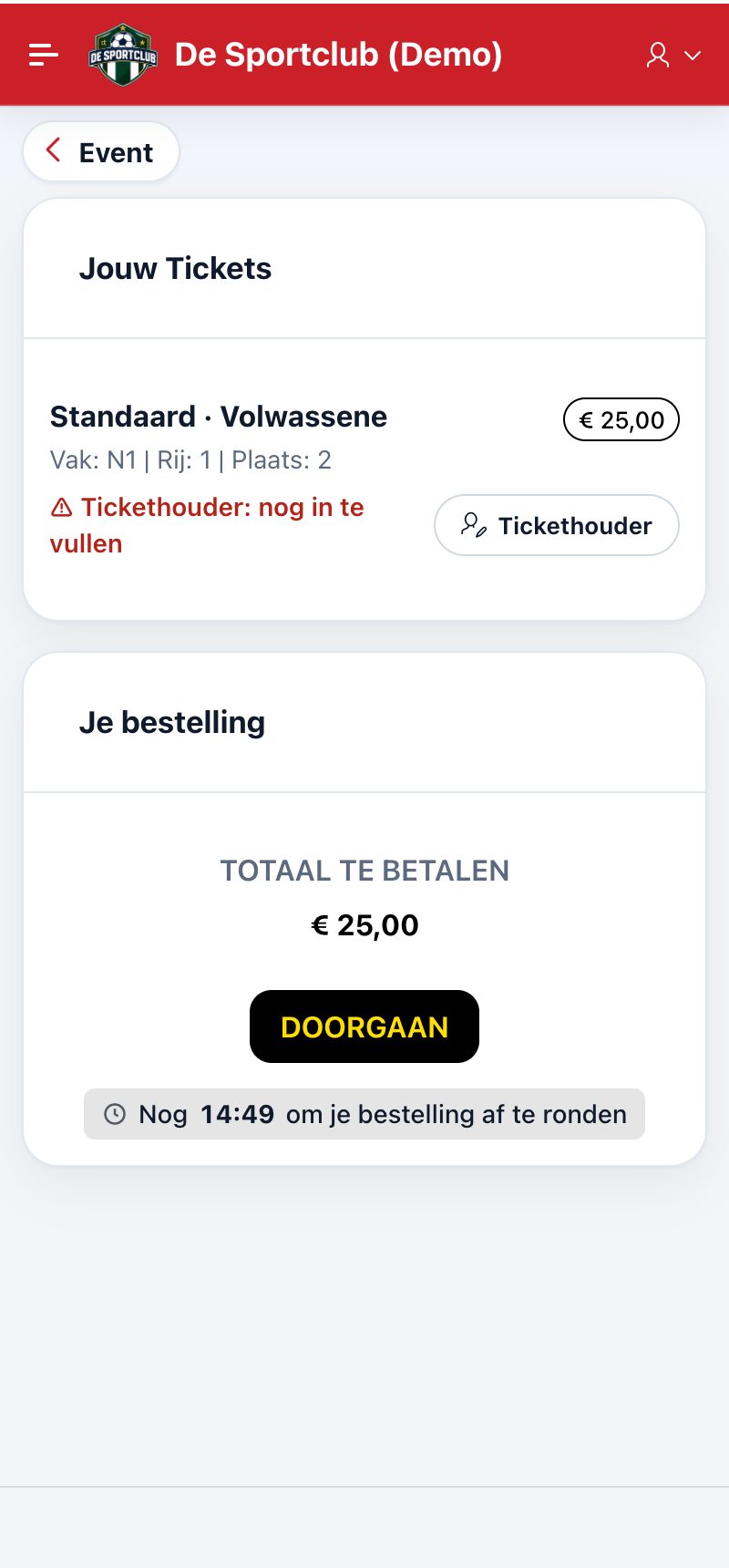
After choosing your seats you arrive in your order. There you see every seat with its price category and price, and the total.
The ticket holder
For each ticket you fill in who it is for: yourself, a friend (someone you are connected with, see Friends, members and connections) or a guest with a name. If you buy a ticket for a friend, they get a notification and find the ticket in their own app.
Paying
Tap Continue and pay online, e.g. with Bancontact. If you cancel the payment, you can still resume or cancel it later from the event; otherwise the seats become available again after a while.
Your tickets
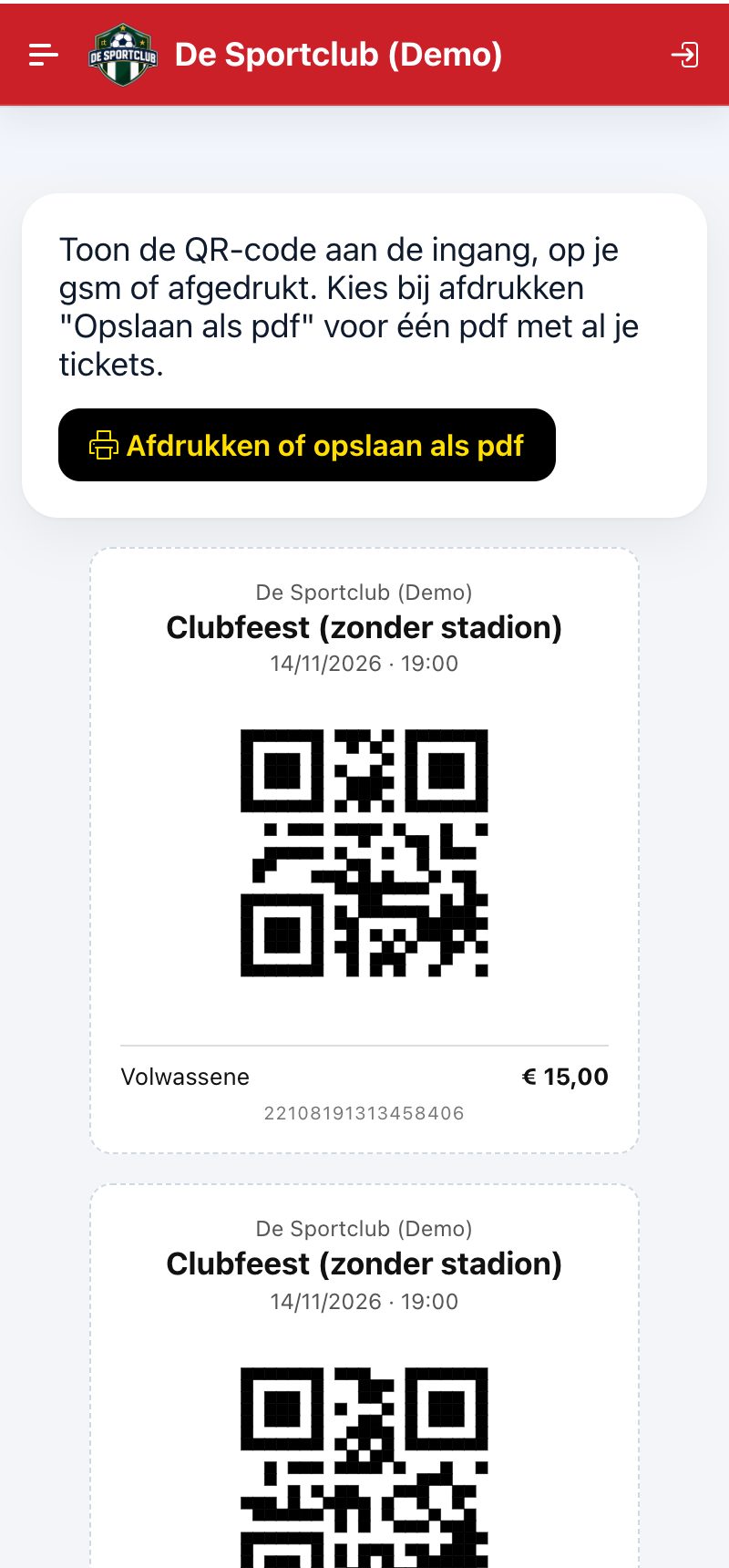
After payment you receive a confirmation mail with the button View and download your tickets: all your tickets on one page, with QR code, and one PDF if you want to print. You also find them in the app under My Tickets.
Did this answer your question?