
Manual / Ticket App / My Tickets
Ticket App
My Tickets
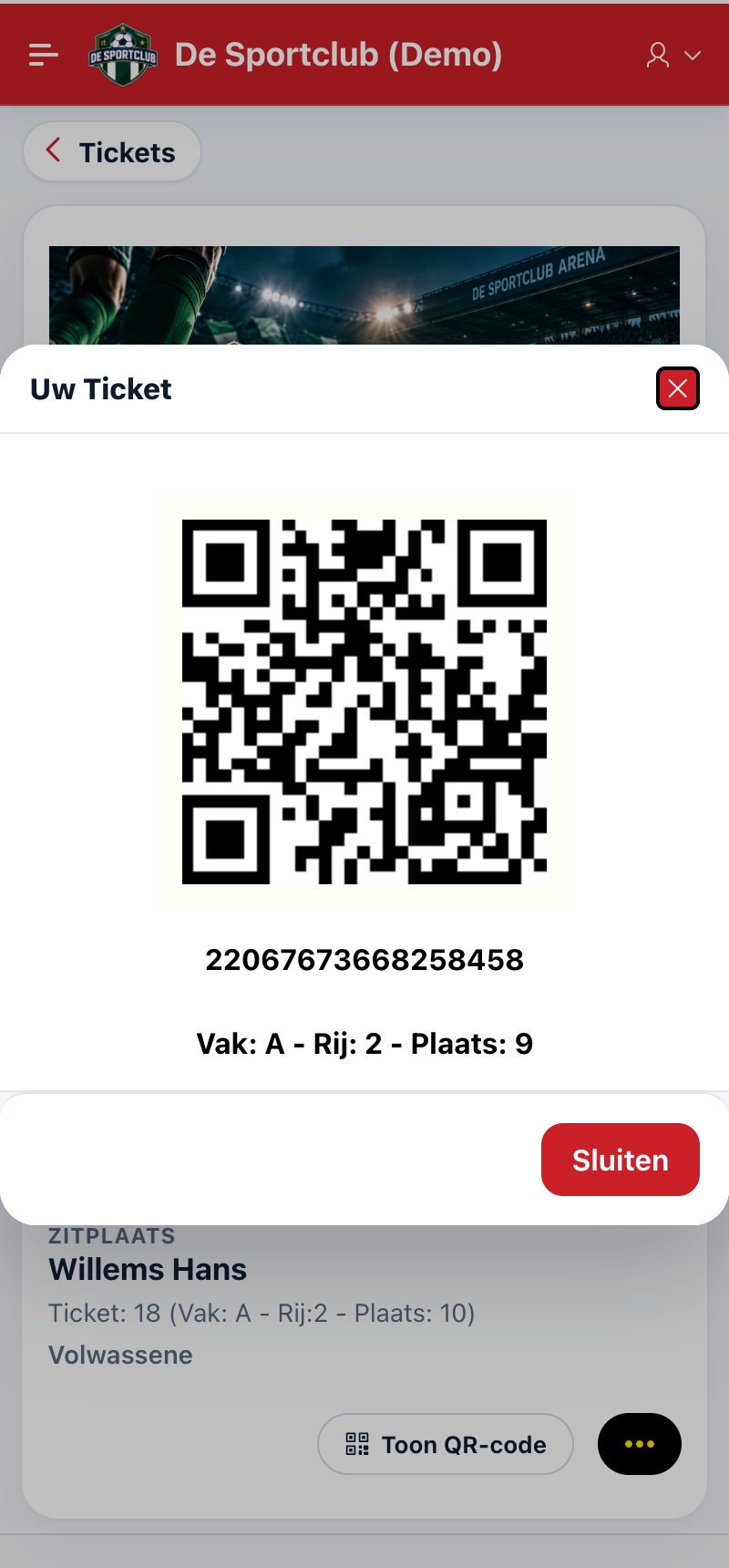
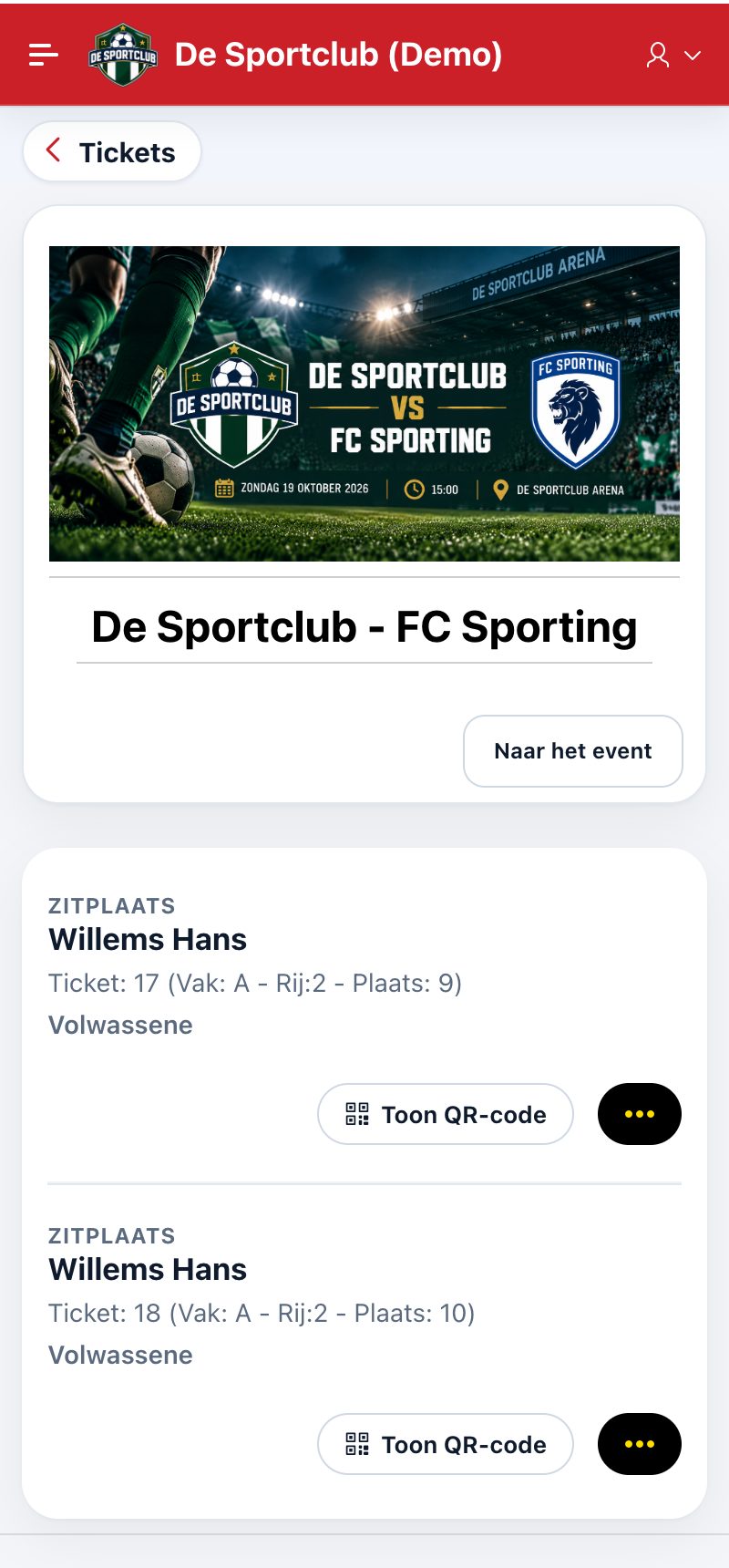
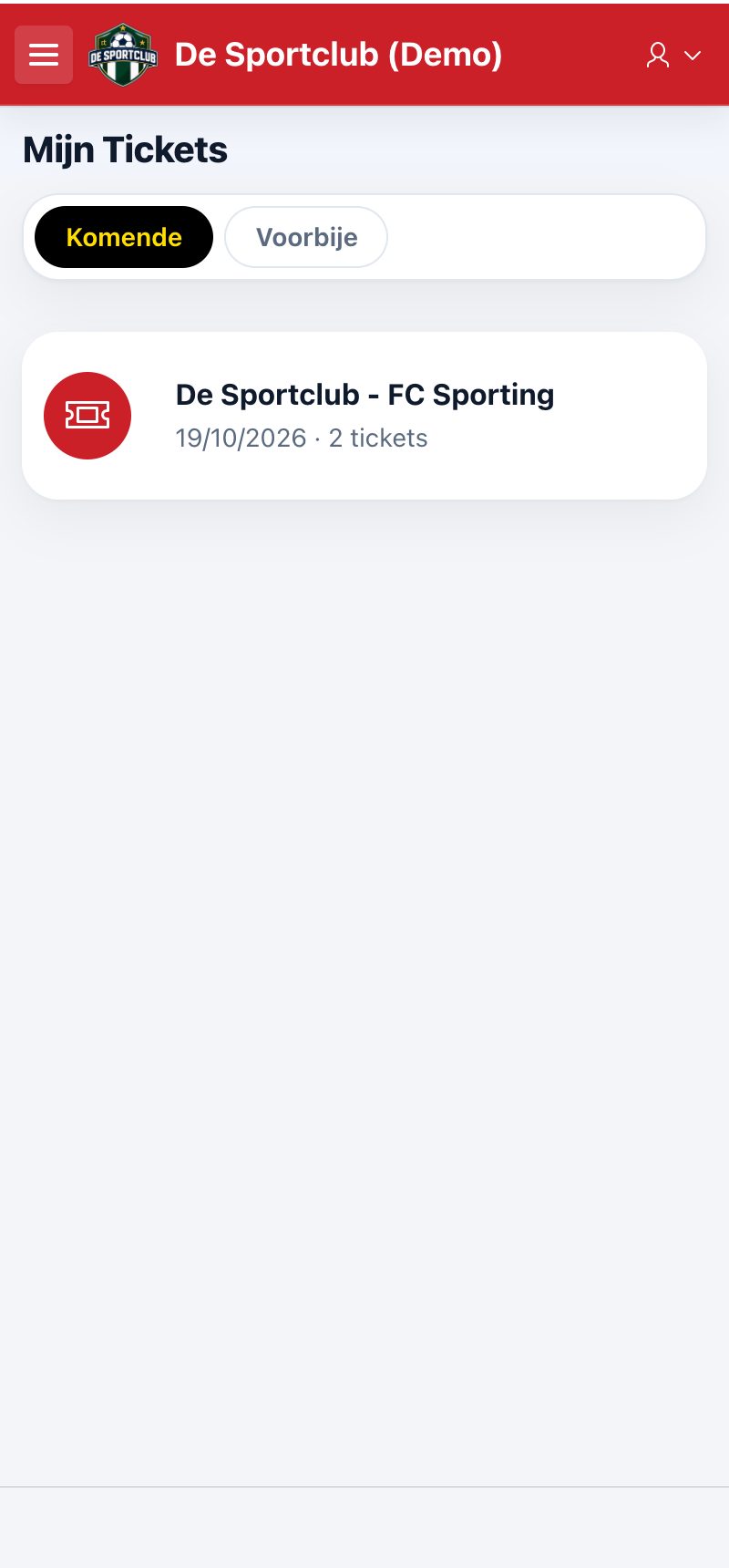
Under My Tickets shows your tickets per event, with two tabs: Upcoming and Past.
Tap an event to see the tickets: per ticket the ticket holder, the seat (section, row, seat) and the price category.
Tap Show QR code to show the ticket at the entrance. Via the menu (…) you change the ticket holder.
Tip: turn your screen brightness up when scanning. You can also print your tickets via the link in the confirmation mail.
Did this answer your question?
Thanks for your feedback!