
Part 2 of 12, Contacts
The contact file
Click a contact to open the file. There you find tabs for Invoicing, Deals, Events, Documents, Contact persons, Addresses and Mails — everything related to that contact, in one place.
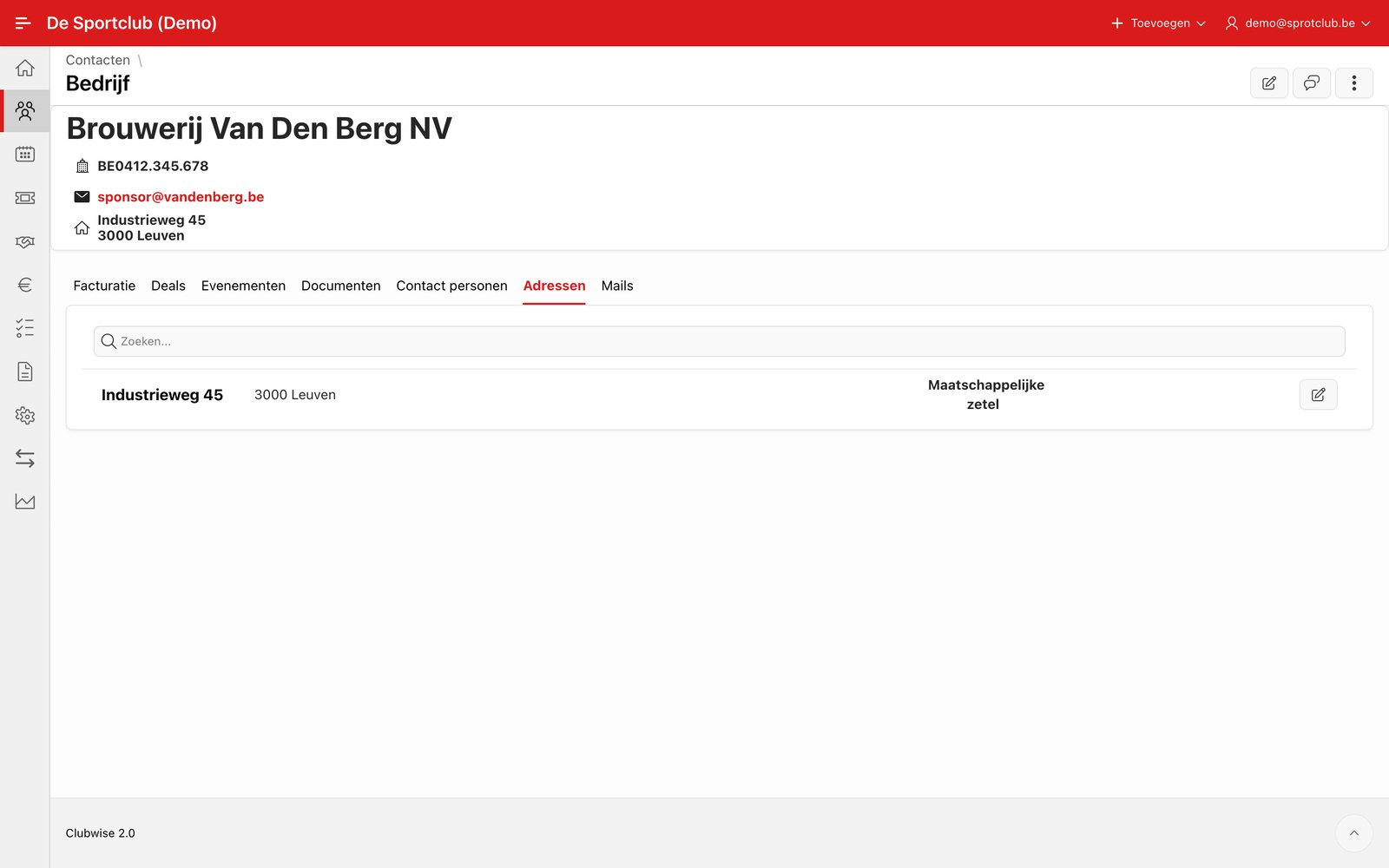
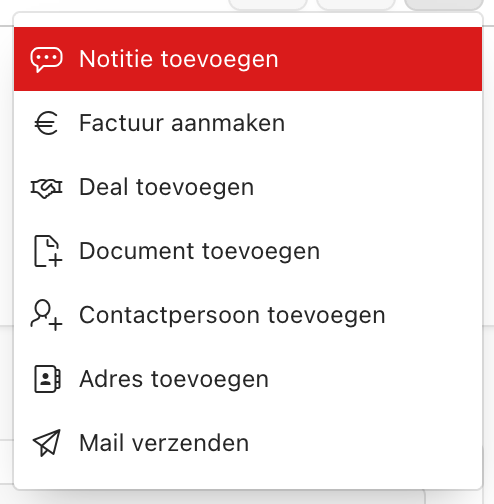
At the top right of a contact file you find three fixed buttons: pencil (edit contact), note icon (notes) and the ⋮ menu with all other quick actions.
Tip: Every action in this menu opens directly linked to the open contact — so you never have to search for or link a customer again.
Did this answer your question?
Thanks for your feedback!