
Part 3 of 12, Contacts
Creating a contact
You can add a new company or a new person in two places: via the global button Add at the top right (available everywhere), or via the “+” button at the top right of the Contacts list itself. You first choose whether it concerns a Company or a Person it concerns.
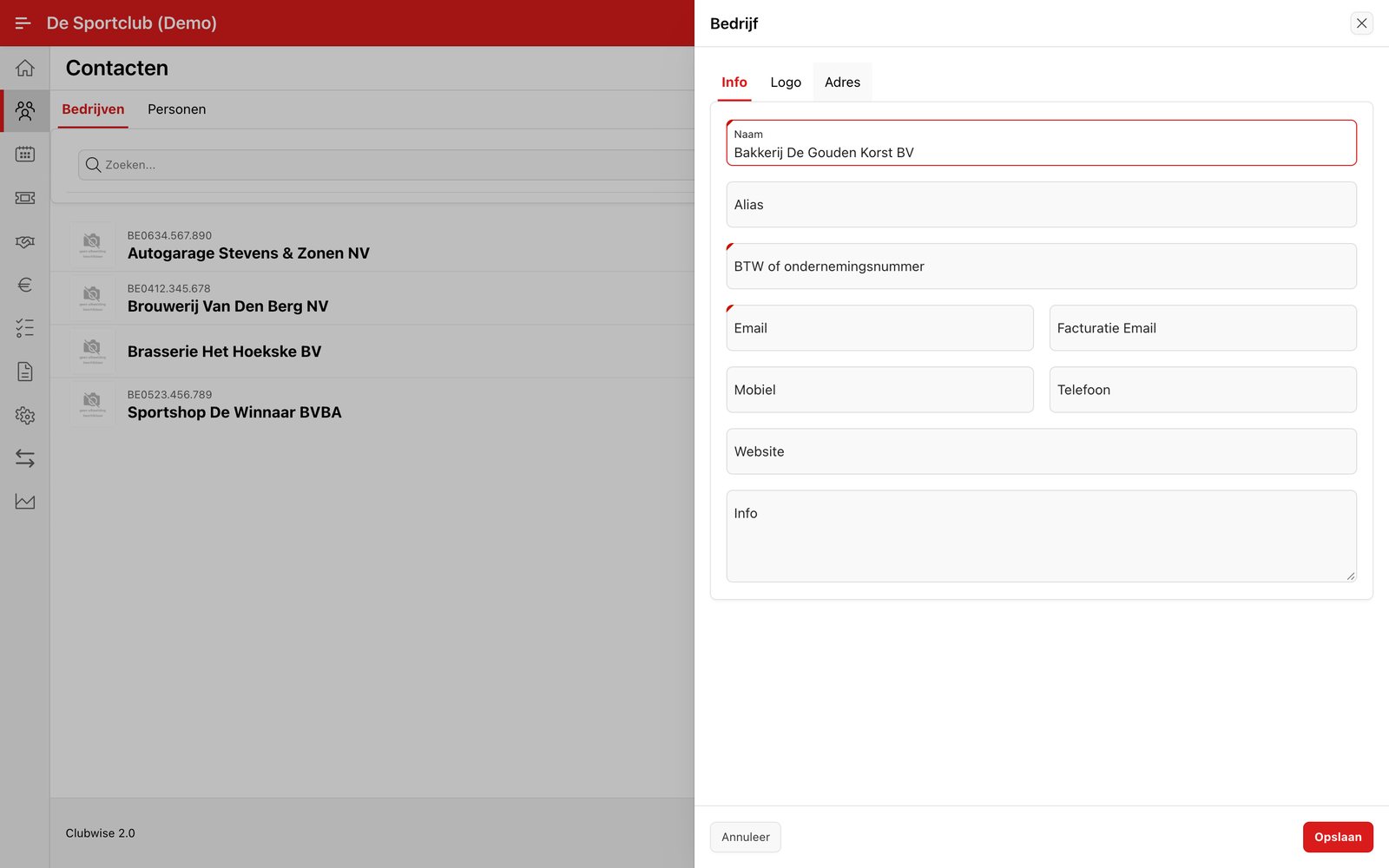
Under the tab Address of the same form you can immediately fill in the first address too — Type and Postcode are required there.
Tip: VAT number, name and e-mail are required fields. Clubwise checks that the VAT number is not already in use for another contact.
Did this answer your question?
Thanks for your feedback!