
Manual / Getting started / Applying a filter
Part 5 of 8, Getting started
Applying a filter
In a report (e.g. the deals or Finance → Income) you click Actions → Filter. Choose the column (e.g. Type), the condition (e.g. =) and fill in the value (e.g. Sponsoring). Click Apply.
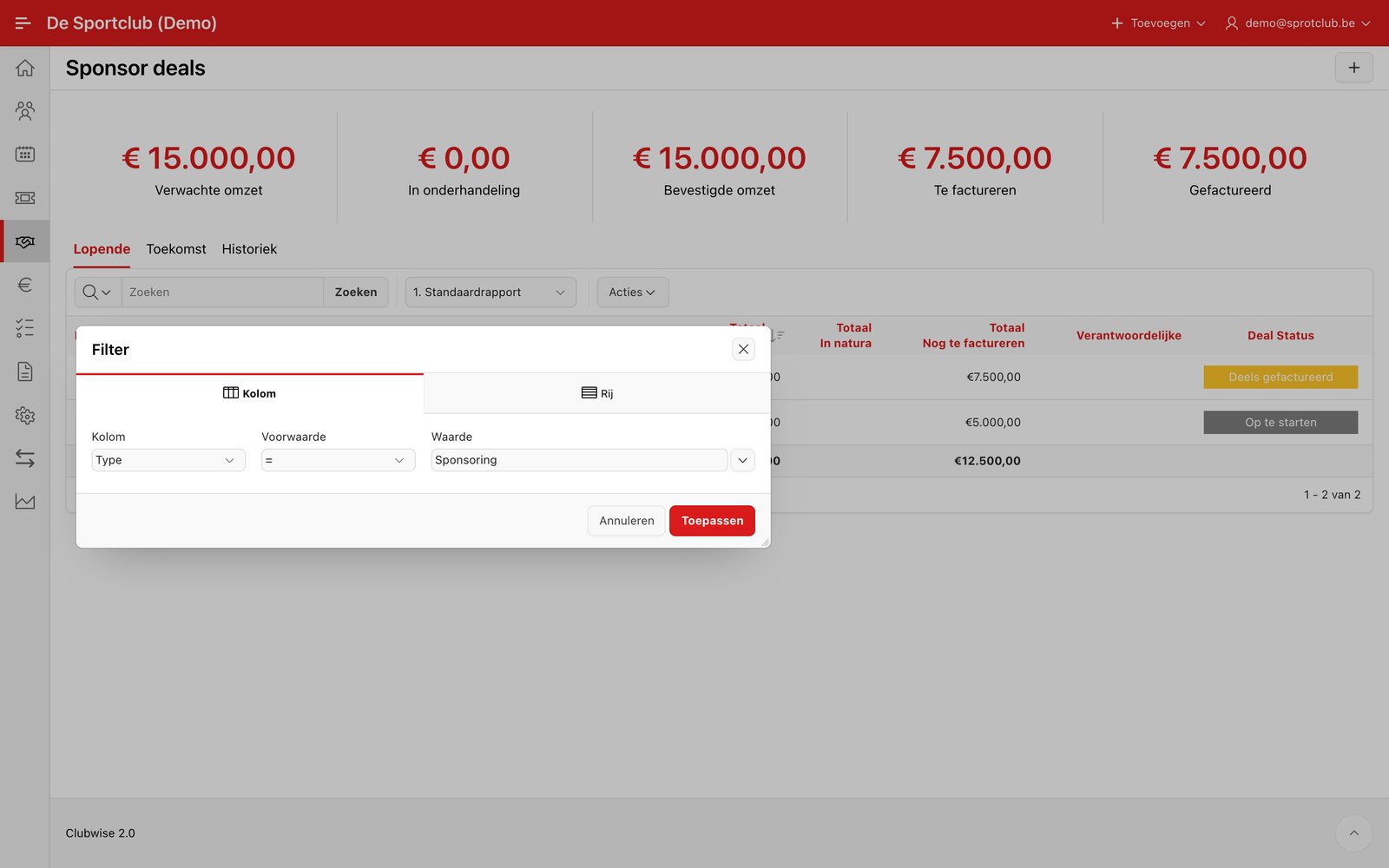
Quick search also works without a filter: type a word in the search bar and click Search. With Tasks you open the filter icon (funnel), fill in one or more fields and click Search.
Did this answer your question?
Thanks for your feedback!