
Manual / Getting started / Recognising active filters
Part 6 of 8, Getting started
Recognising active filters
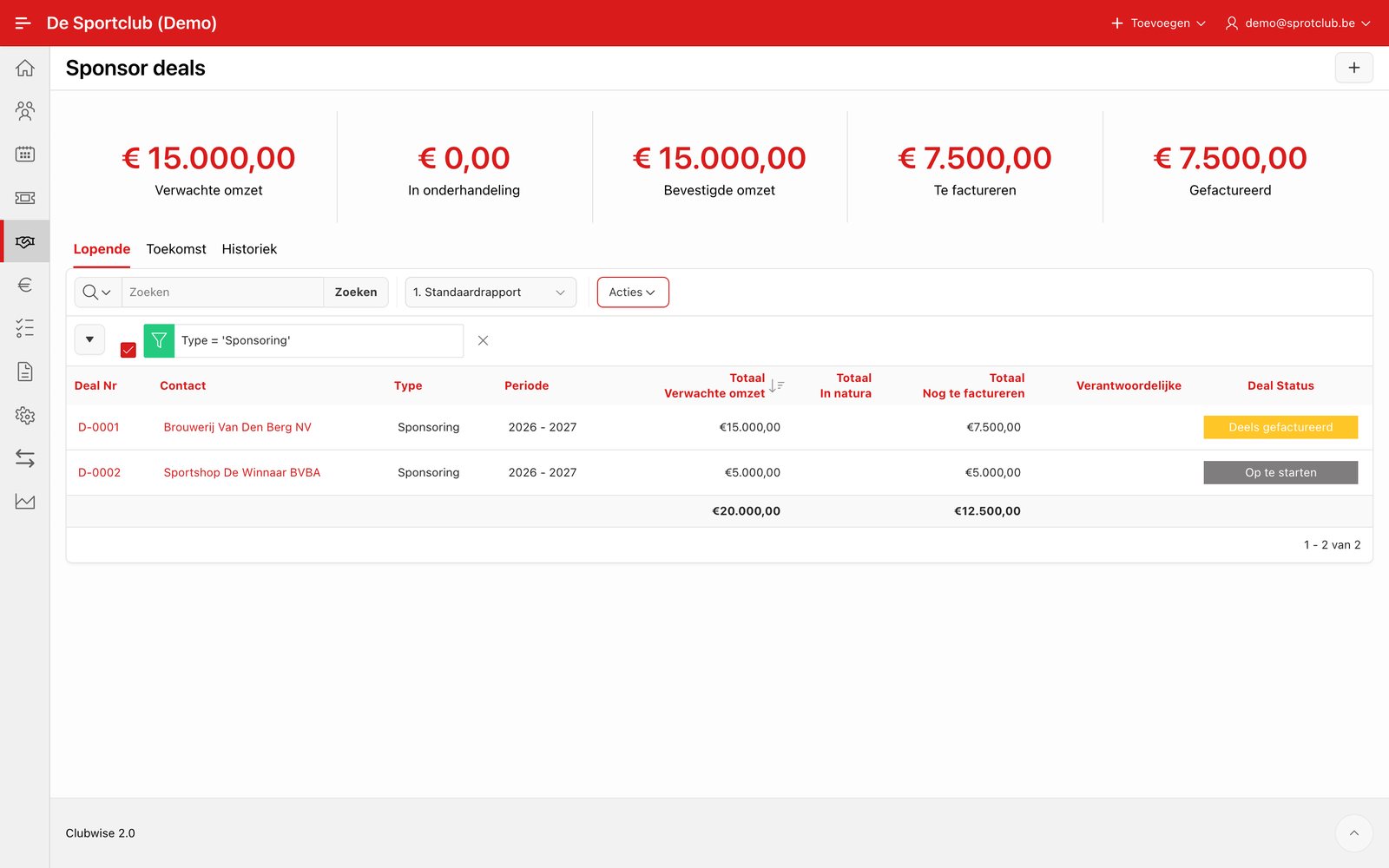
An applied filter appears as a line above the report, e.g. Type = 'Sponsoring'. With the tick in front of it you switch the filter off temporarily, with the cross after it you remove it. Click the text to change the filter.
Tip: The Contacts list has no filter: there you search with the search bar at the top.
Did this answer your question?
Thanks for your feedback!