
Manual / Ticket App / Account, settings and installing the app
Ticket App
Account, settings and installing the app
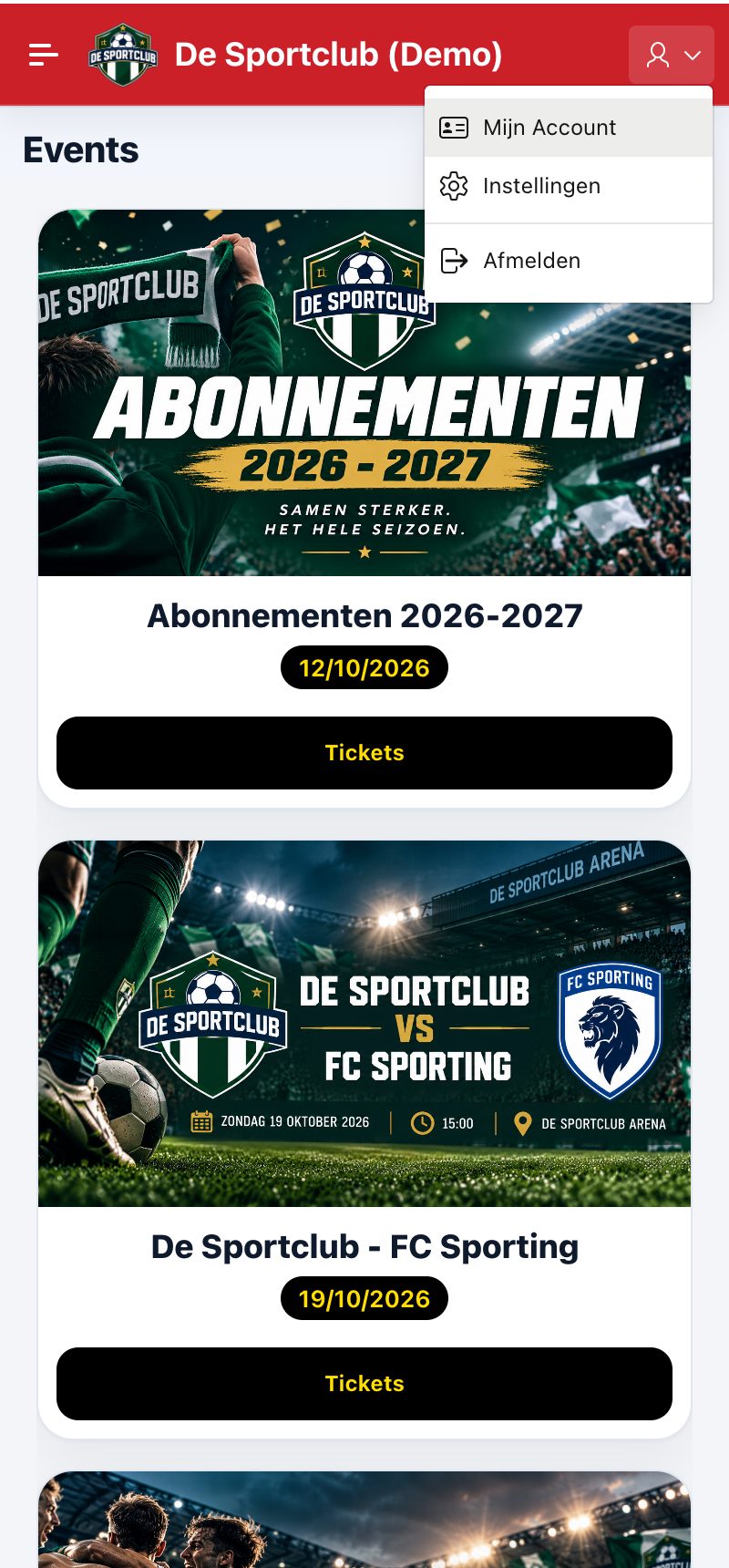
Through the account menu at the top right you reach My Account, Settings and Sign out.
Settings
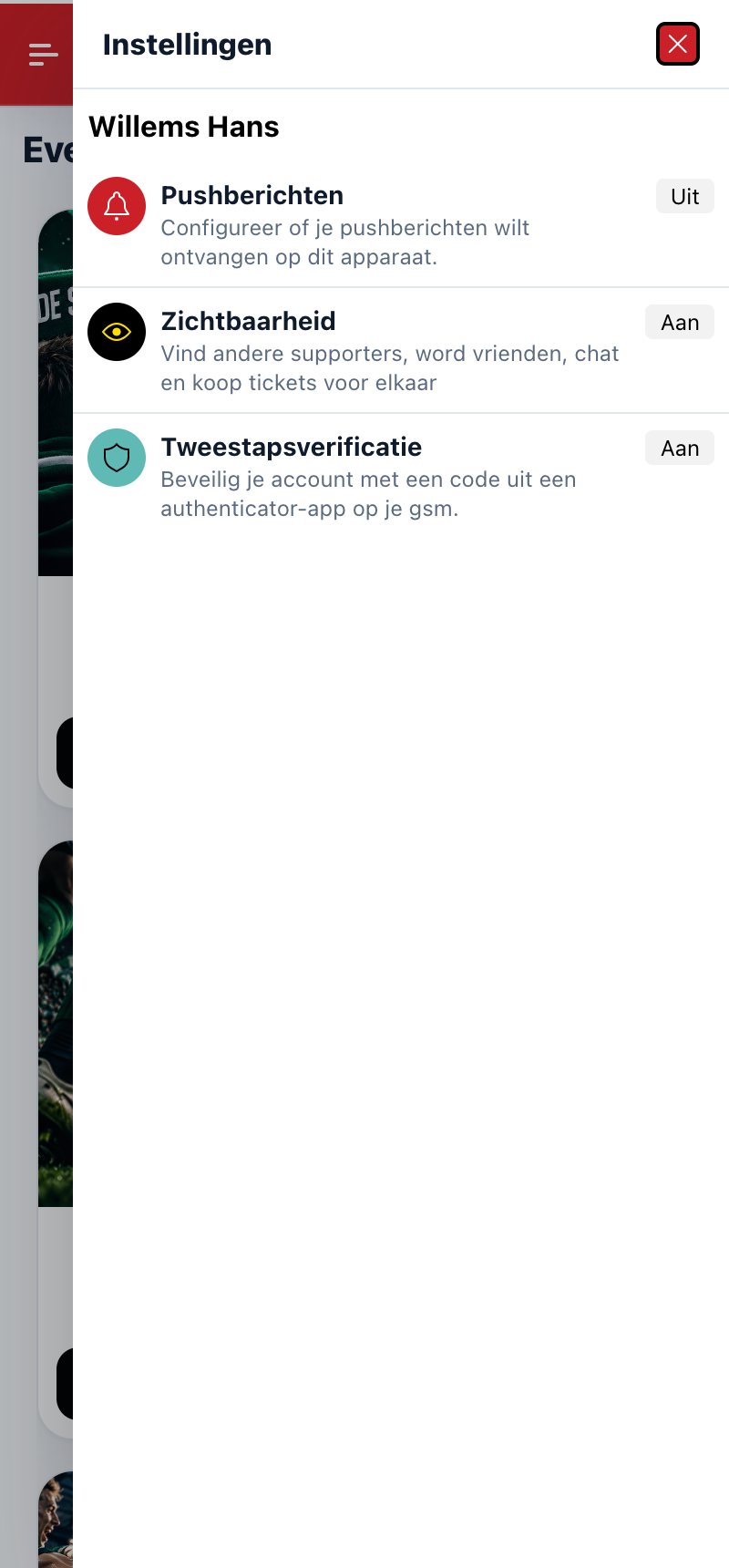
- Push notifications: notifications on this device on or off, e.g. for a new message or a ticket someone bought for you.
- Visibility: switch this on to find other users of the app and become friends. With friends you can chat, and you can buy tickets and season tickets for them: these then appear immediately in their own Ticket App.
- Two-factor authentication: sign in with an extra code from an authenticator app, see Account and security.
Putting the app on your phone: see Putting the app on your phone.
Did this answer your question?
Thanks for your feedback!