
Manual / Ticket App / The Ticket App
Part 1 of 1, Ticket App
The Ticket App: buying and managing tickets in your club's colours
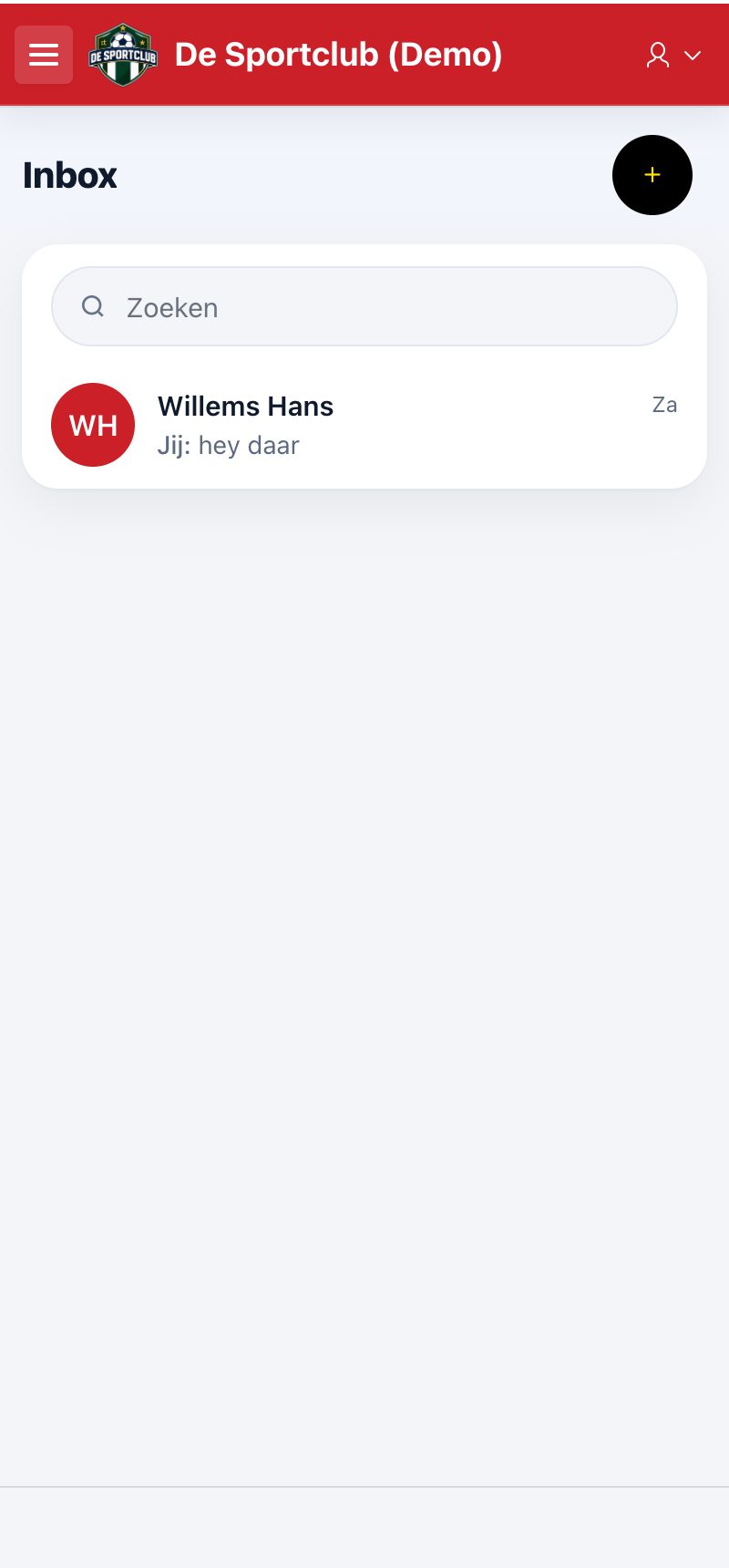
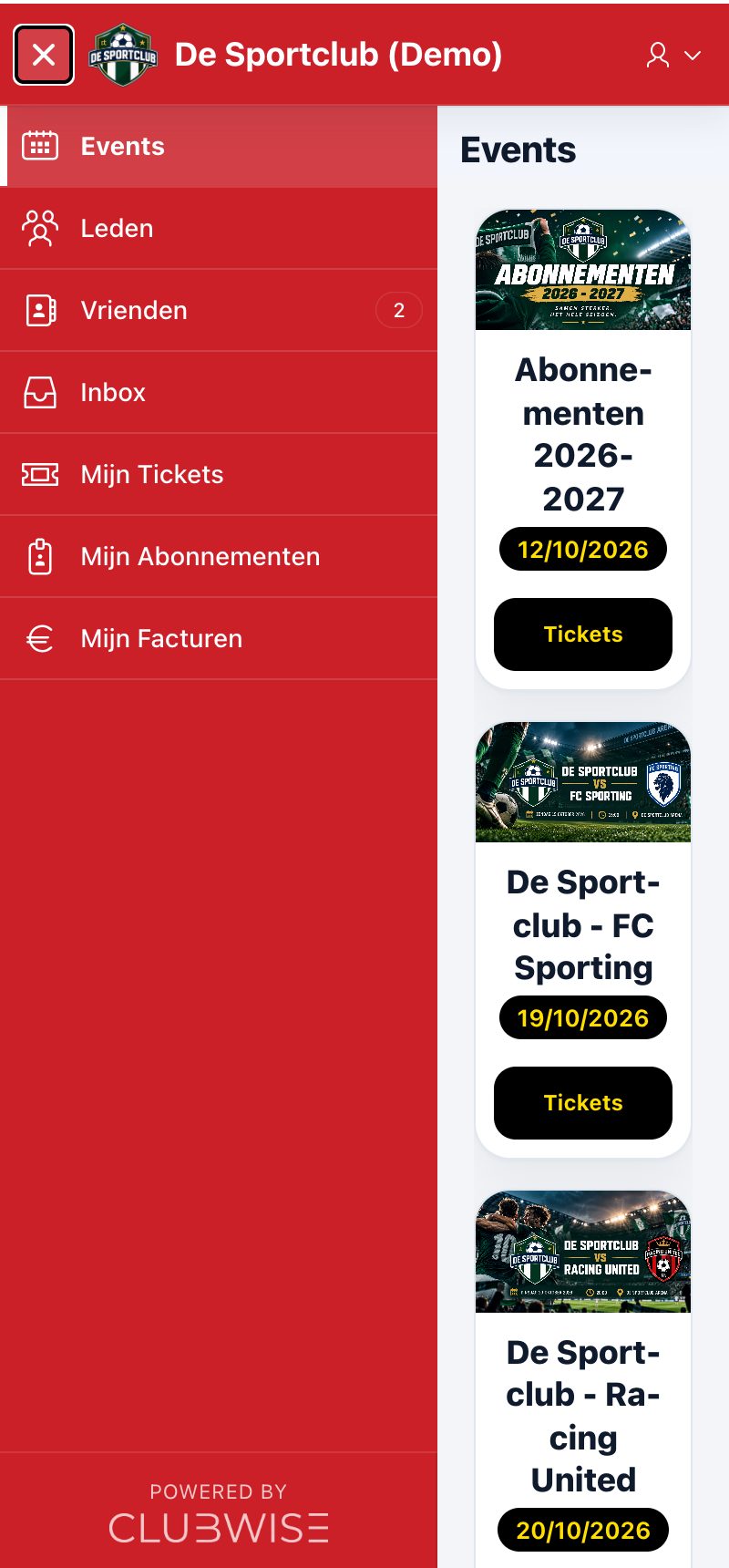
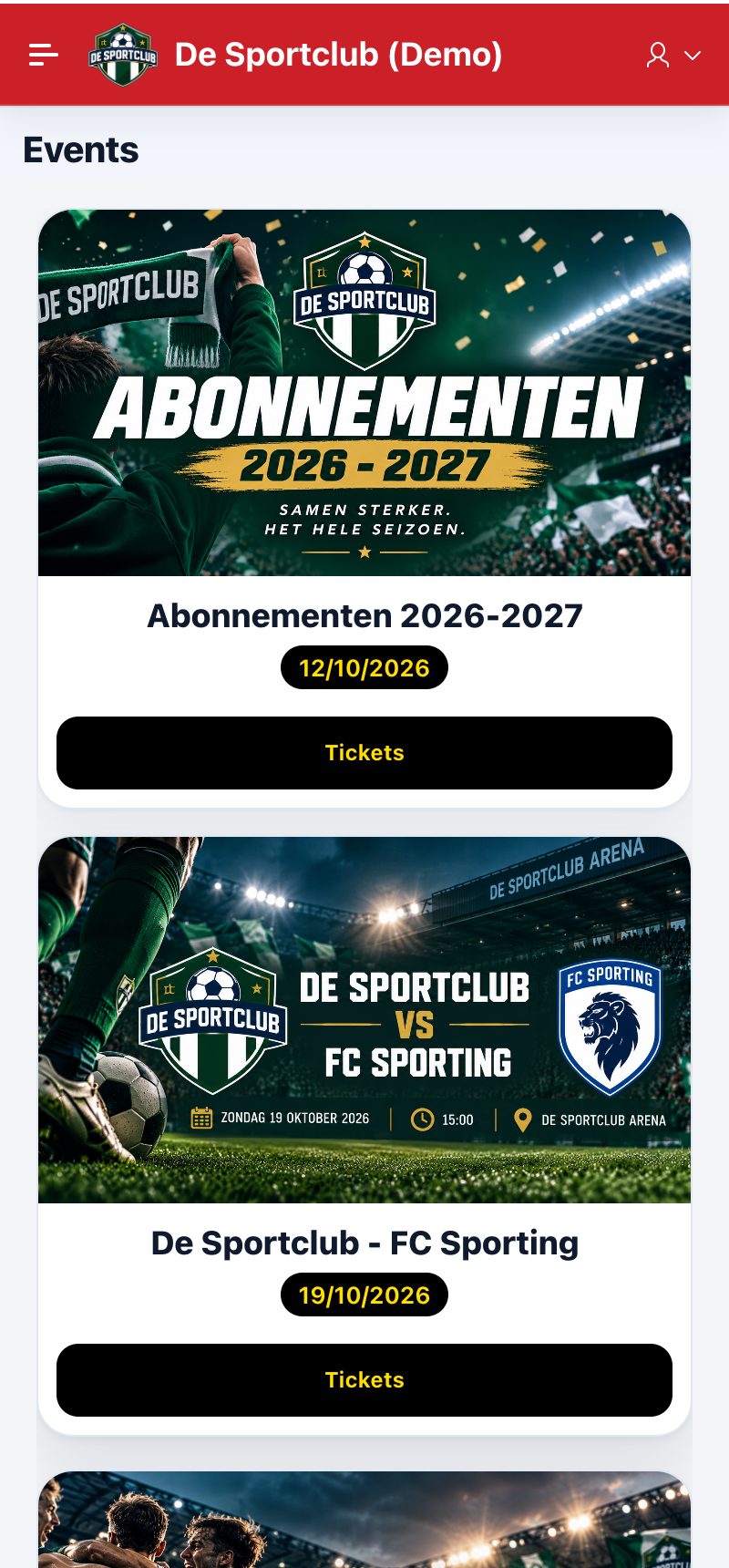
The Ticket App is the app for your members and supporters, in your club's logo and colours. They create an account themselves, buy tickets, hospitality and season tickets, show their QR code at the entrance, view their invoices and also buy for friends and family.
After signing in, the menu on the left shows Events, Members, Friends, Inbox, My Tickets, My Season Tickets and My Invoices (and My Vouchers if your club works with vouchers).
- Buying tickets and season tickets, with a queue when it's busy and a seating plan with a price per seat: see Buying tickets in the Ticket App.
- Own purchases: My Tickets and My Season Tickets with QR code, see My Tickets, Season Tickets and Vouchers.
- Invoices view and download, see Invoices in the app.
- Friends and messages: connect with other members, buy for them and send messages in the Inbox, see Friends, members and connections.
- Account and security: e-mail confirmation and two-step verification, see Account and security.
Tip: you set the colours of the Ticket App under Settings > General: colours 1 and 2 for the header and the menu, colours 3 and 4 for the buttons and accents. Whether an event is in the app is determined per event with “Public event?”.
Did this answer your question?
Thanks for your feedback!