
Manual / Tasks & documents / Managing and following up tasks
Part 1 of 2, Tasks and documents
Managing and following up tasks
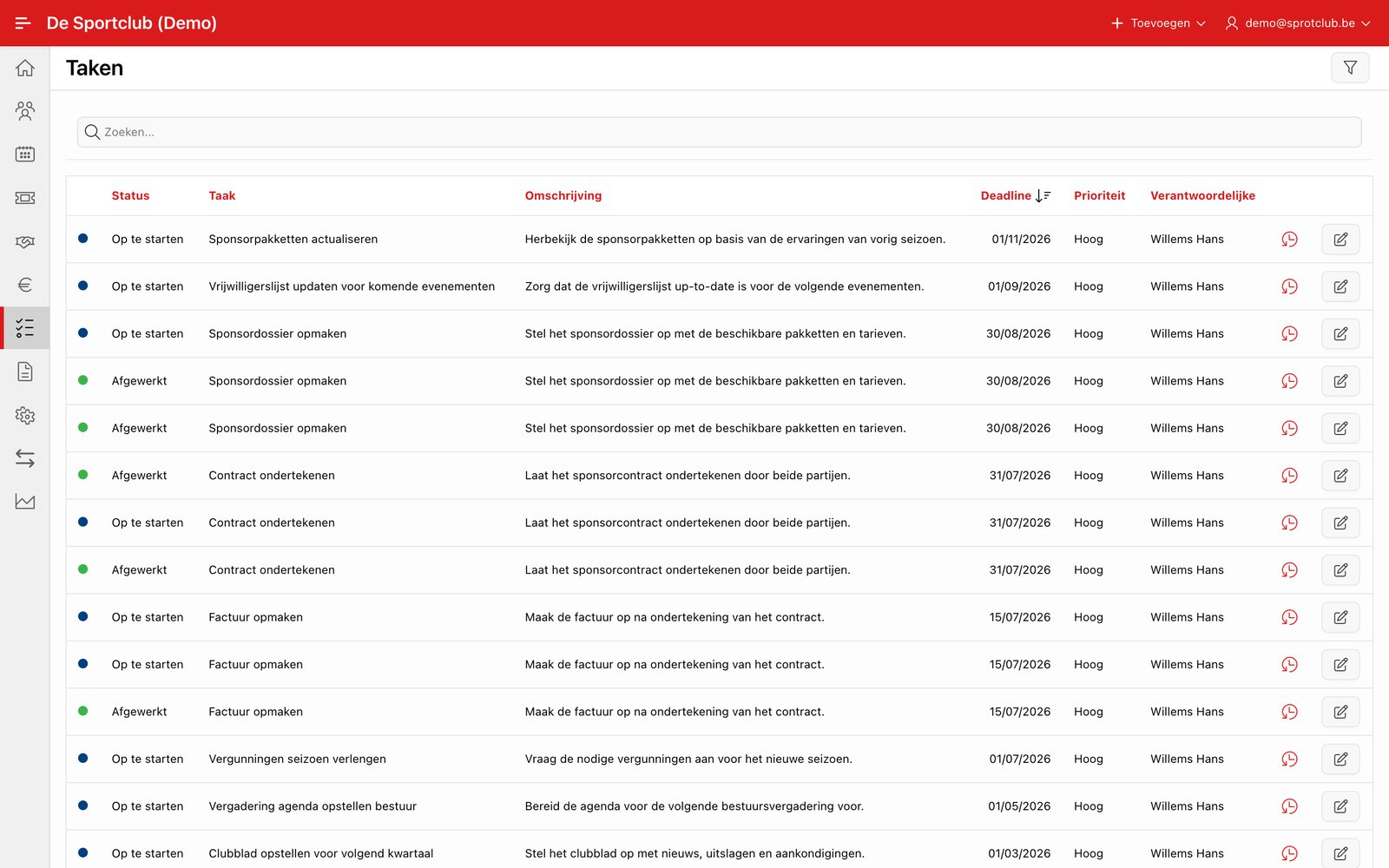
You can link tasks to a deal, event or contact, with status, priority, deadline and owner. For sponsor deals Clubwise can automatically generate tasks based on the deal agreements.
Tip: On the dashboard (Home), under “Needs attention”, you immediately see your own open tasks and overdue tasks — see The dashboard (Home).
Did this answer your question?
Thanks for your feedback!