
Part 2 of 7, Deals
At the top right of a deal: the ⋮ menu
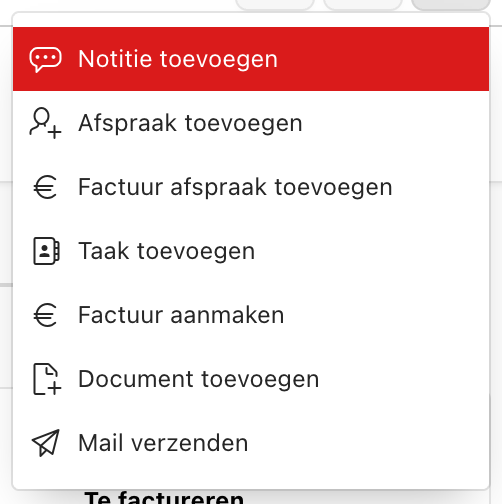
Just like for a contact, at the top right of a deal file you find a ⋮ menu with all quick actions related to this deal.
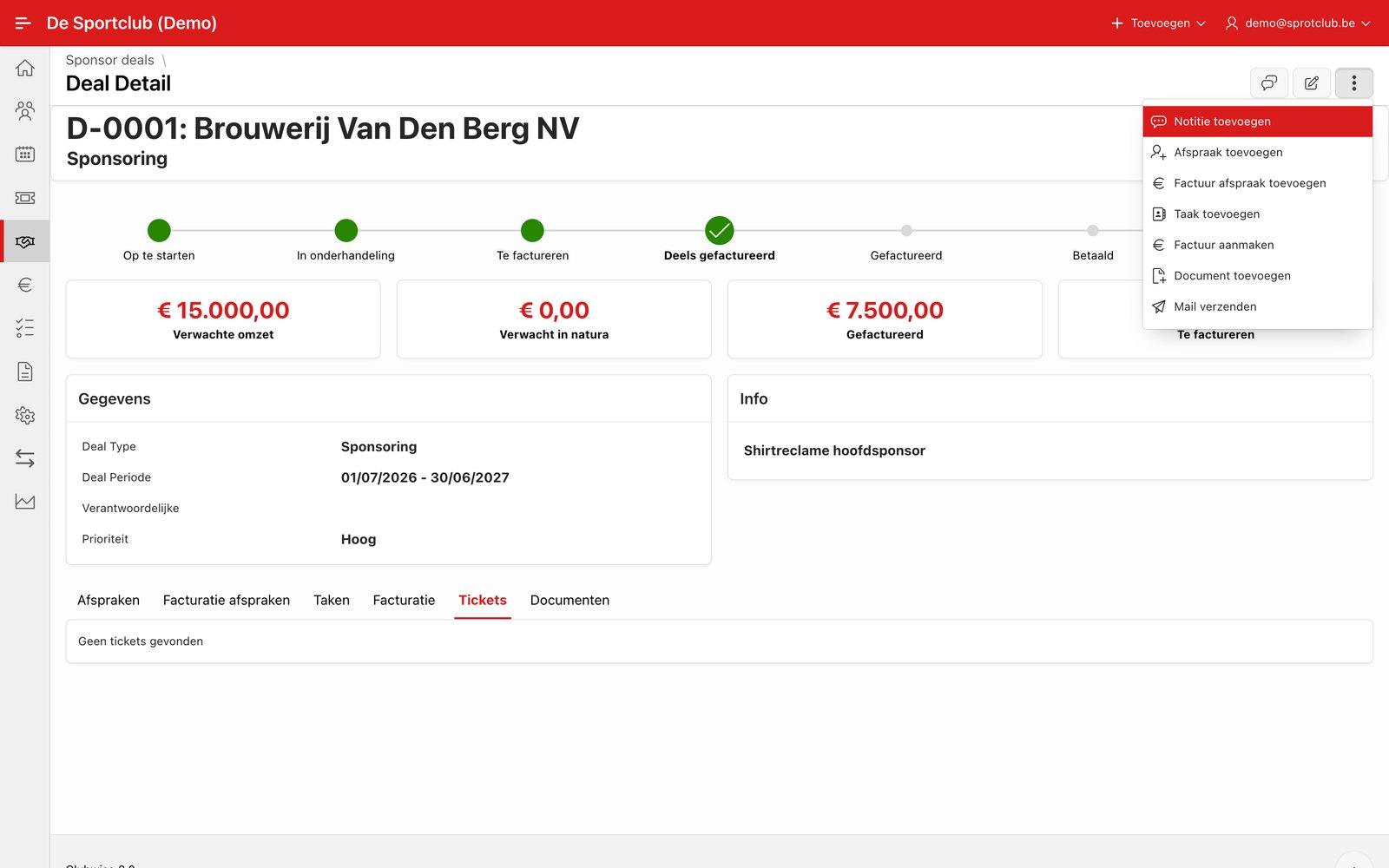
Tip: Adding notes works exactly the same way here as for a contact — see Using notes.
← Previous articleActions within a deal: menu, agreements, tasks and invoicingNext article →Adding an agreement to a deal
Did this answer your question?
Thanks for your feedback!