
Manual / Finance & invoicing / Income (sales invoices)
Part 2 of 9, Finance and invoicing
Income (sales invoices)
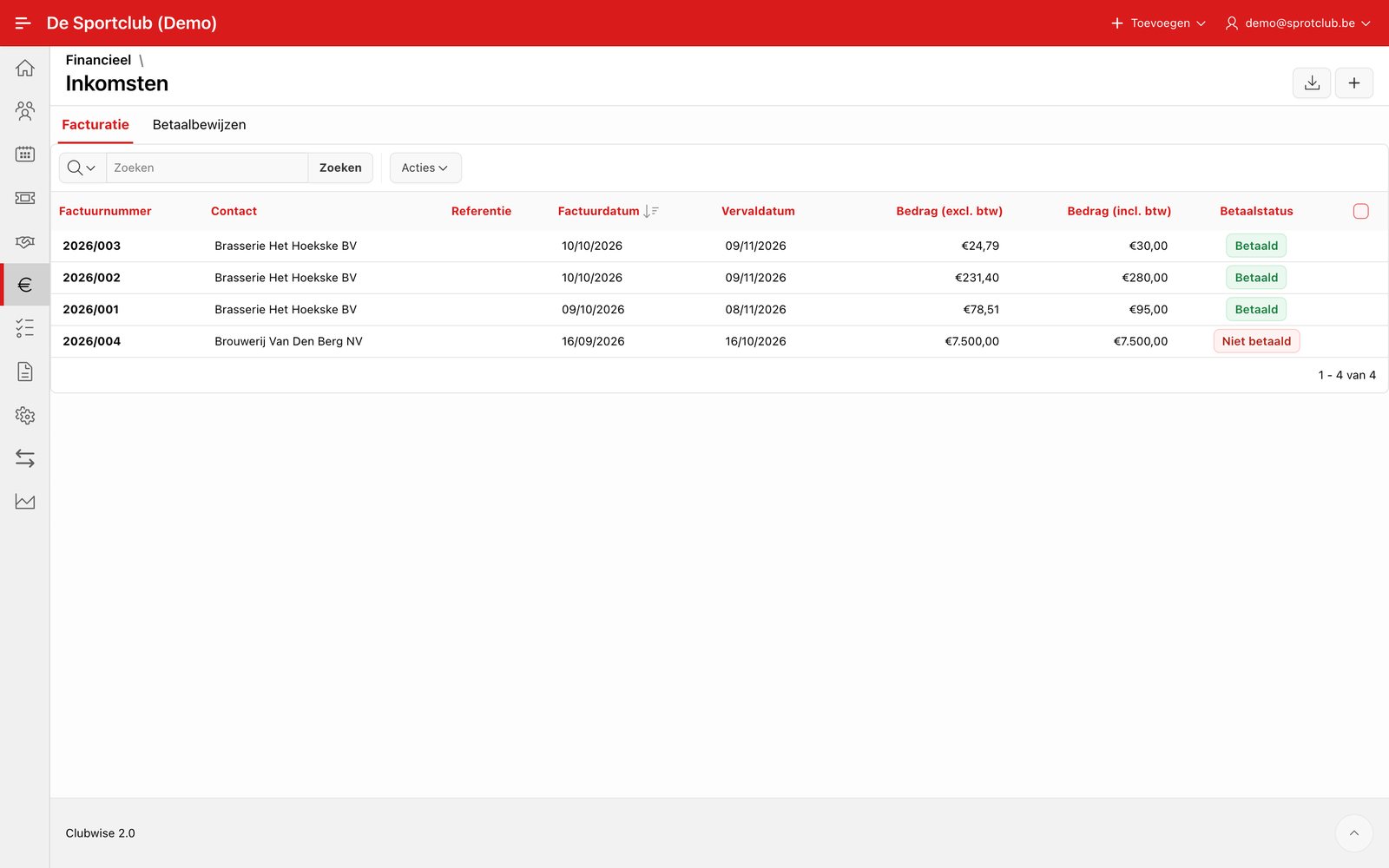
With the download icon next to each line you get the PDF of that invoice; with the checkboxes you select several invoices at once for a bulk export (handy for your accountant at the end of the period).
Merging payment receipts into one invoice
For an online sale or a box office sale without an invoice, Clubwise creates a payment receipt. For your accounting you merge them per period into one collective invoice.
- Open Income and choose in the menu Actions the option Merge payment receipts.
- At the top you see per month how many payment receipts are not yet in an invoice.
- Choose the period and the invoice date. The invoice date cannot be before the last invoice of the fiscal year, so number and date go up together.
- Leave In the name of empty for the default box office person from the settings, or choose another person.
- Switch Detail per payment receipt on if you want each payment receipt separately on the invoice. Off gives one line per event and ticket type.
- Click Create collective invoice. The new invoice opens right away and is already marked as paid.
In the list of payment receipts the column Collective invoice shows which invoice each payment receipt is in. A payment receipt goes into a collective invoice only once. Refunds from that period are included.
Did this answer your question?
Thanks for your feedback!