
Part 4 of 7, Deals
Invoicing agreements and automatic invoicing
A invoicing agreement determines what may be invoiced for this deal and when. Choose “Add invoice agreement” in the ⋮ menu or go to the tab Invoicing agreements.
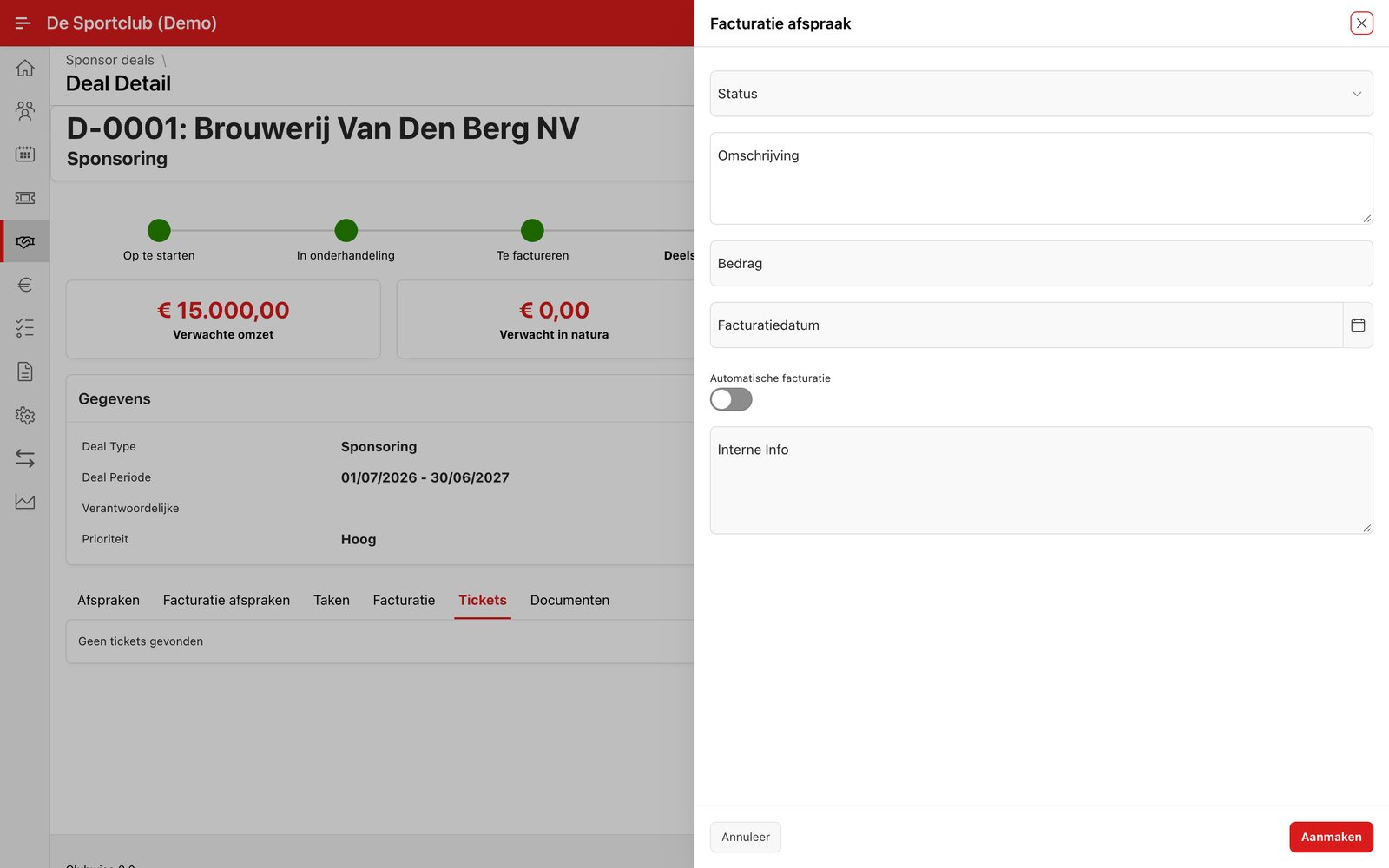
Fill in a description and the amount, and choose an invoice date. Switch Automatic invoicing on if you want Clubwise to create an invoice automatically on the invoice date itself — handy for annually recurring packages or contracts.
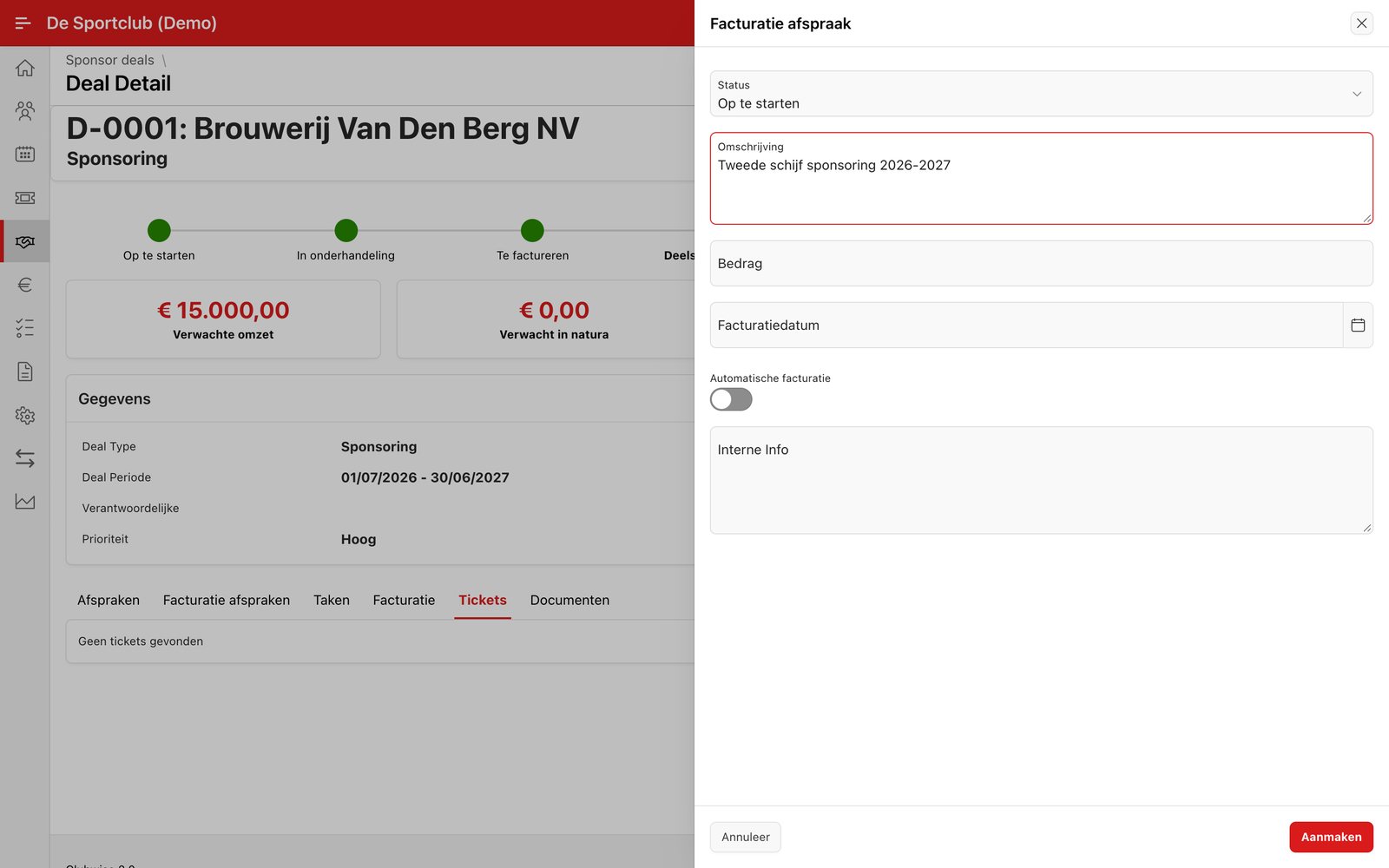
Tip: If “Automatic invoicing” is off, the agreement simply remains visible in the tab and you create an invoice yourself at the right moment via “Create invoice” (see below).
Did this answer your question?
Thanks for your feedback!