
Part 3 of 4, Deals
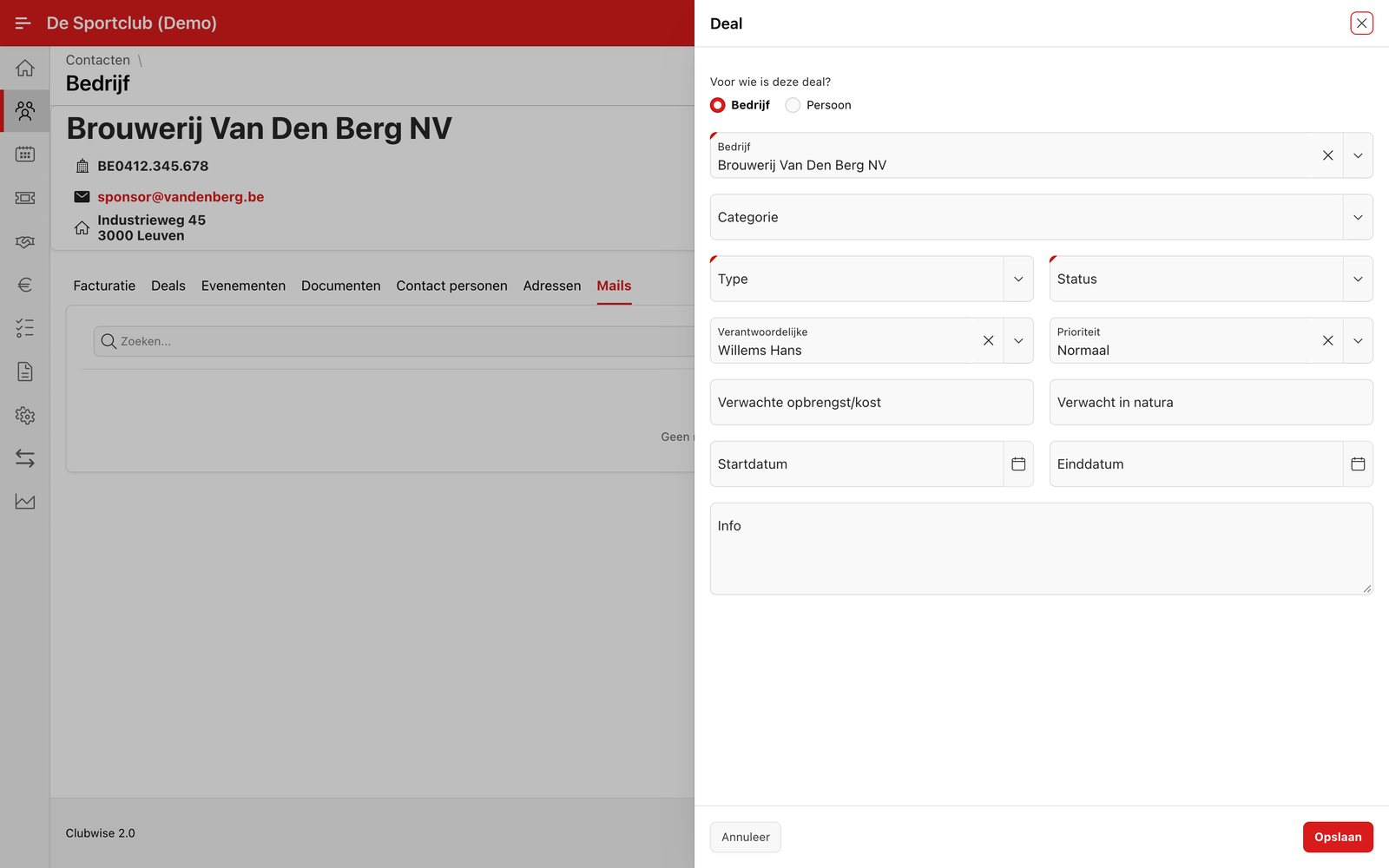
Creating a sponsor deal
You start a new sponsor deal in two places: via the “+” button at the top right of the deal overview (the Sponsor category is then already fixed), or via “Add deal” in the ⋮ menu of an existing contact — then the company is already filled in.
Tip: More about this route from a contact can be found in Creating a deal from a contact. The ⋮ menu, agreements, invoicing and filtering work the same way for the three categories — see Actions within a deal.
Did this answer your question?
Thanks for your feedback!