
Part 6 of 7, Deals
Creating an invoice from a deal
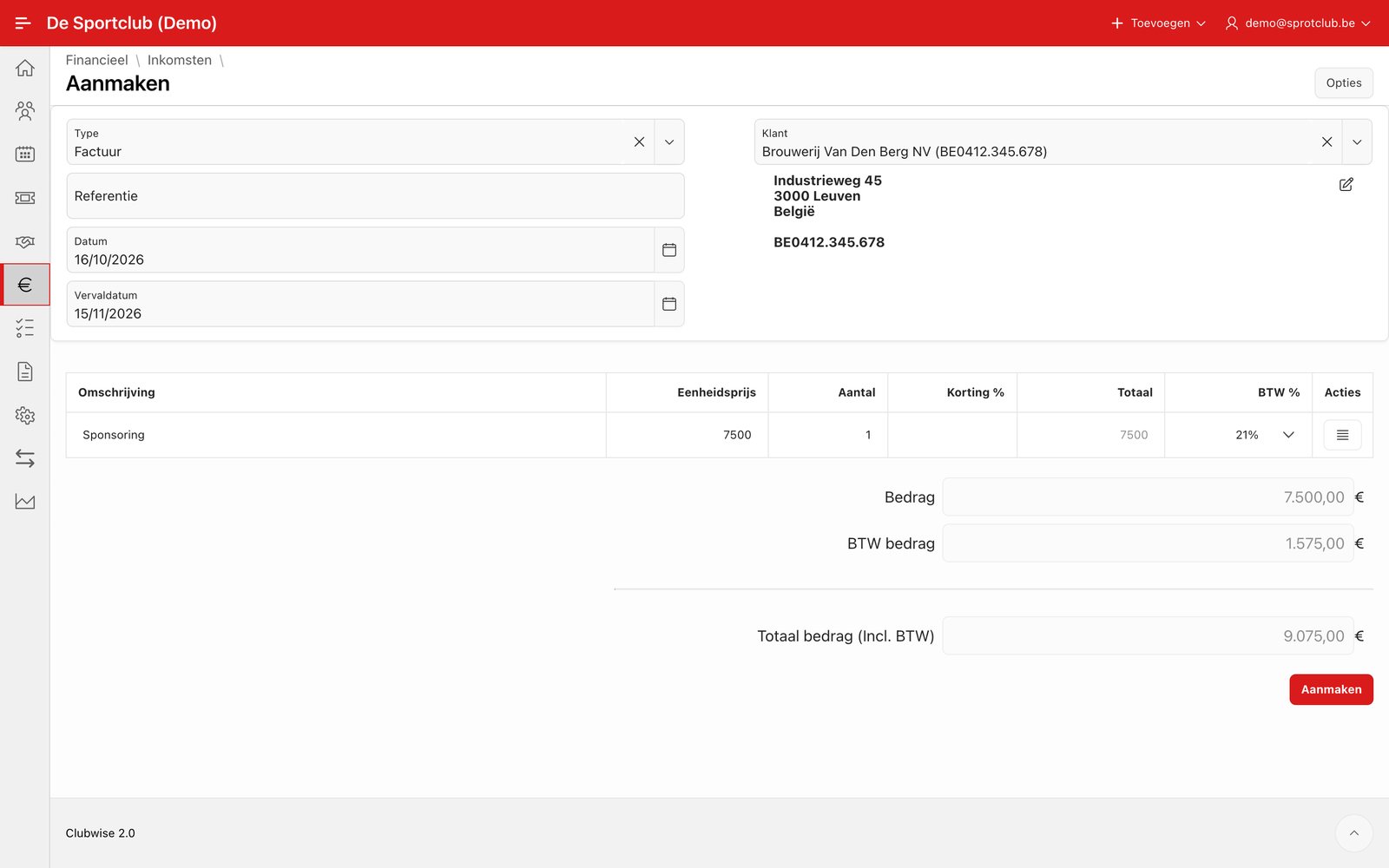
Choose “Create invoice” in the ⋮ menu to start a sales invoice for this deal. Customer, address and VAT number are taken over automatically, and the invoice line is immediately filled in with the package and amount from the open invoicing agreement.
Tip: This is the fastest of the three ways to start an invoice. The full comparison can be found in Creating an invoice: three ways.
Did this answer your question?
Thanks for your feedback!