
Part 4 of 4, Deals
Setting the deal type
Before you can create a supplier deal, there must be at least one Deal Type for the Supplier category — this field is required. Go to Settings → Deals → Deal Templates and click “New deal type”.
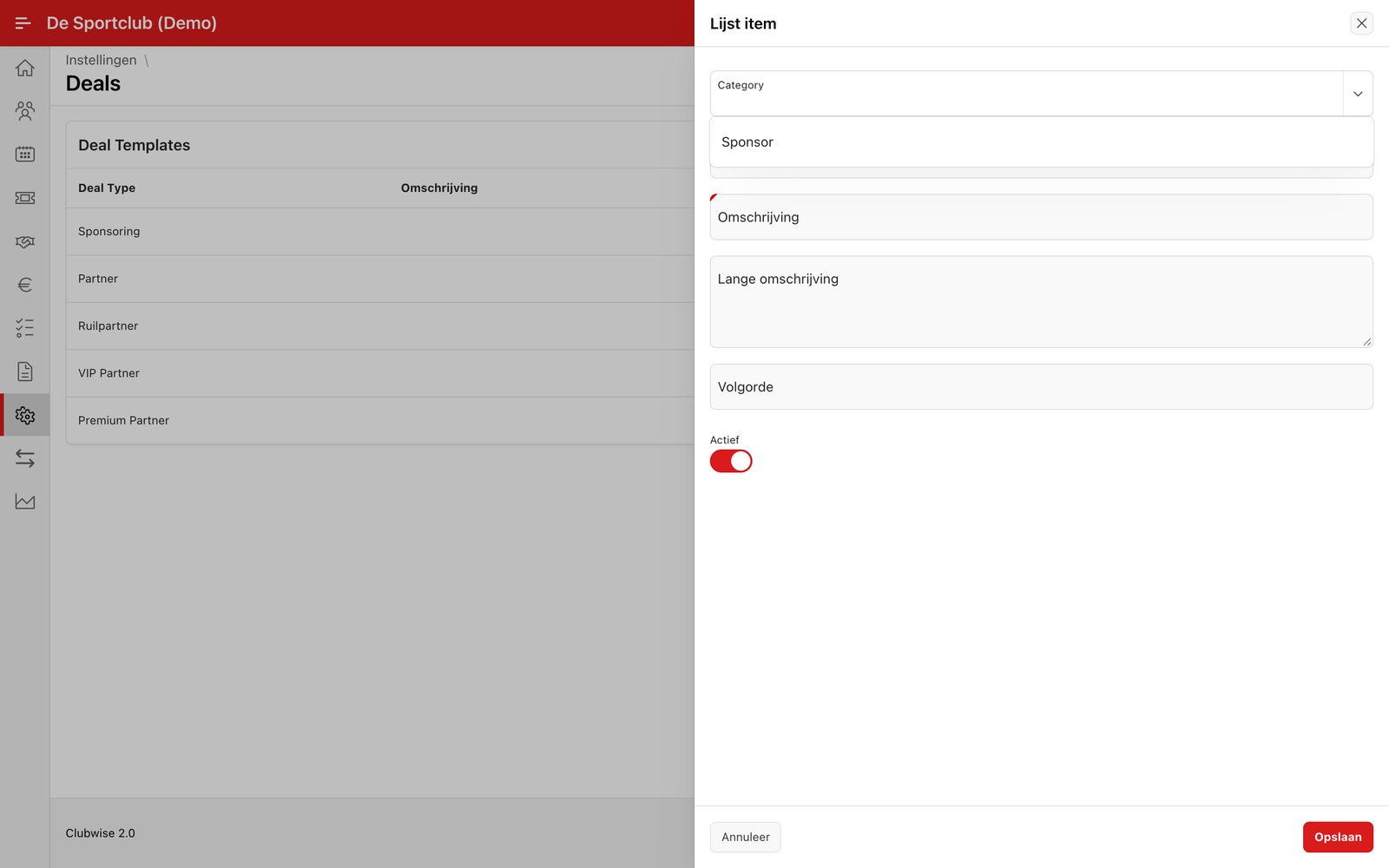
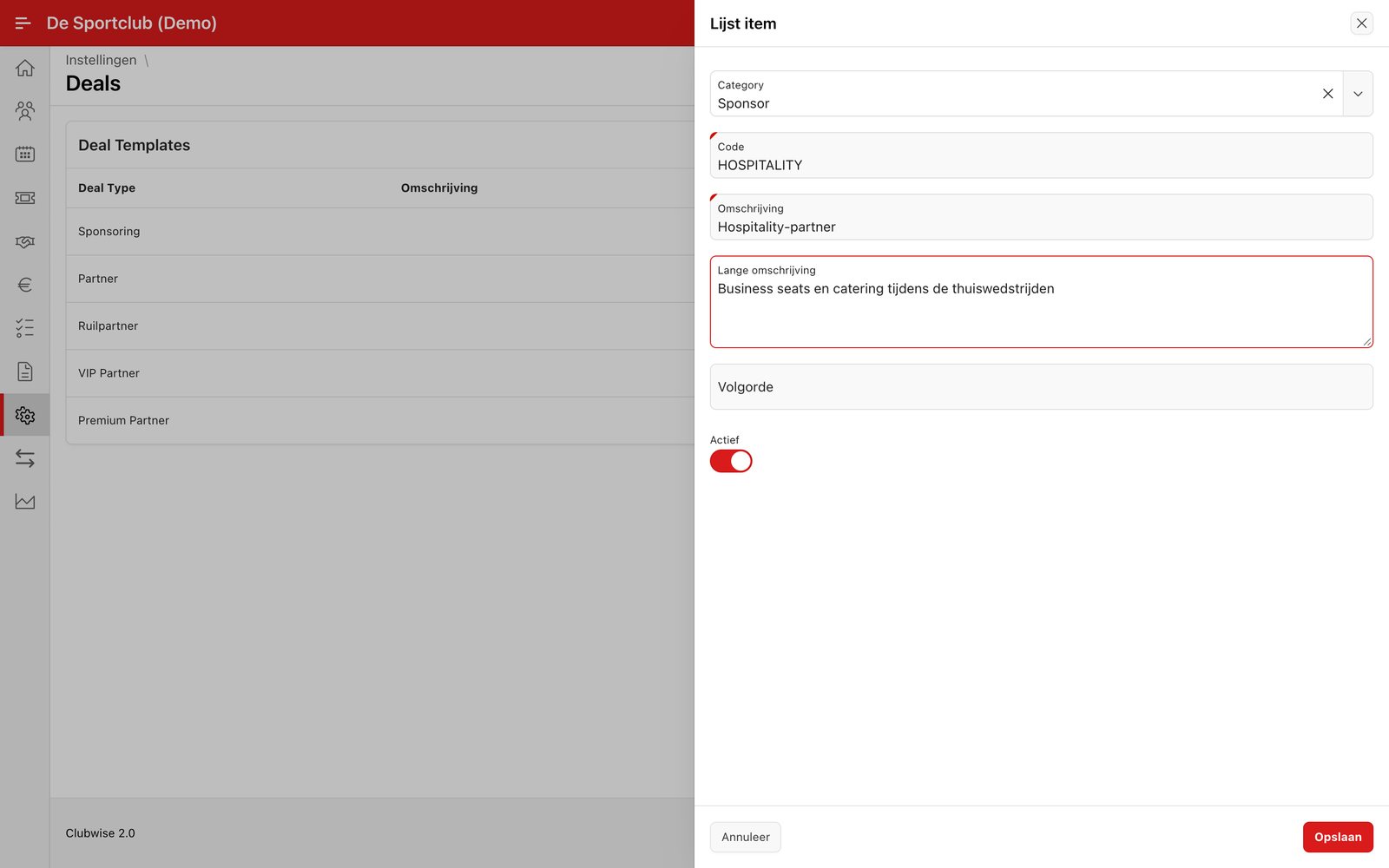
Fill in a code and description and save. The new type immediately appears in the list and is from then on available in the Type dropdown when creating a deal in that category.
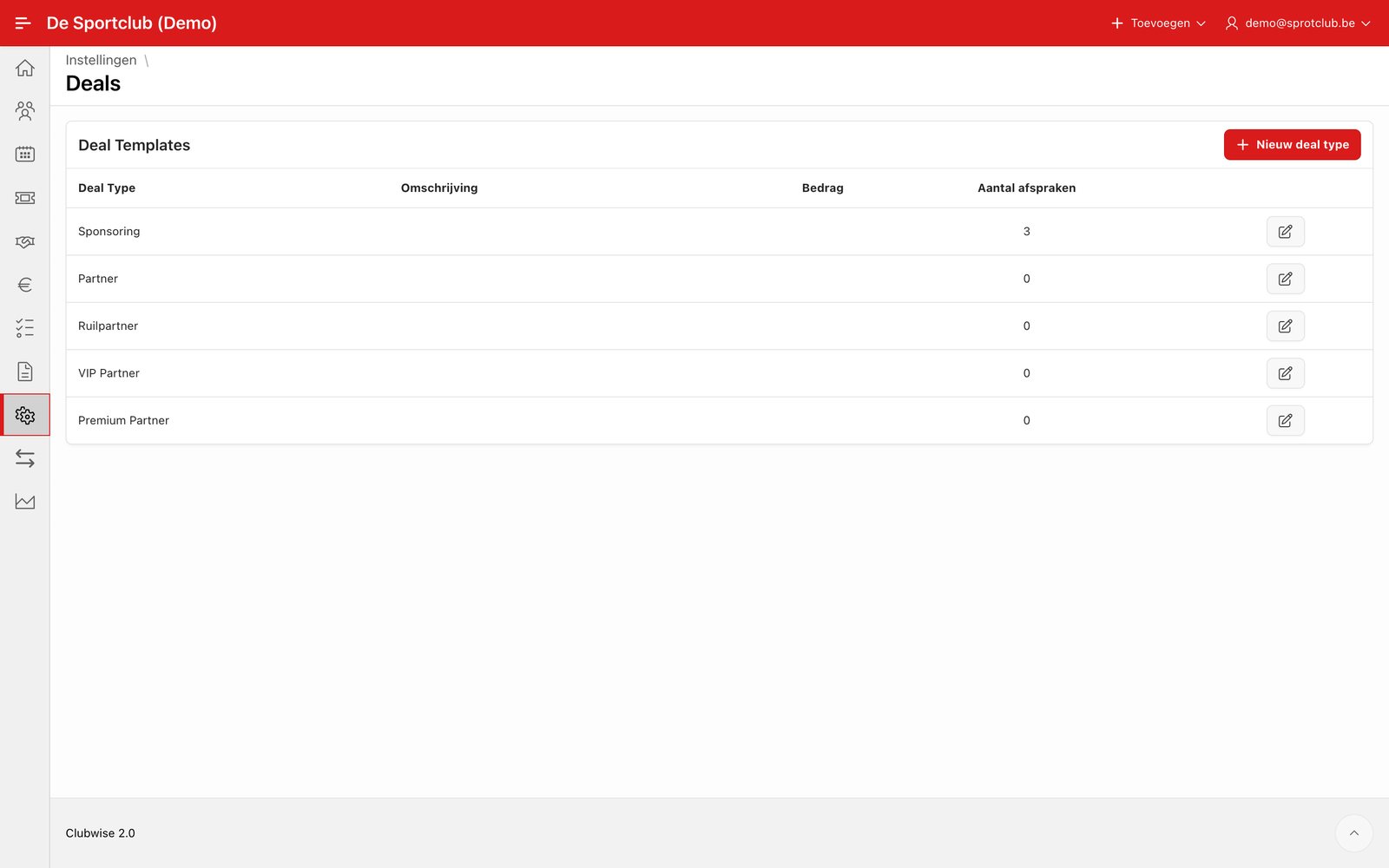
Note: In a new Clubwise environment usually only deal types for Sponsor have been set up. If you want to use Supplier or Artist deals, first create the necessary types here — otherwise you get the message “Type must have some value.” when saving.
← Previous articleCreating a supplier dealNext article →Artist deals: following up performances and contracts with individuals
Did this answer your question?
Thanks for your feedback!